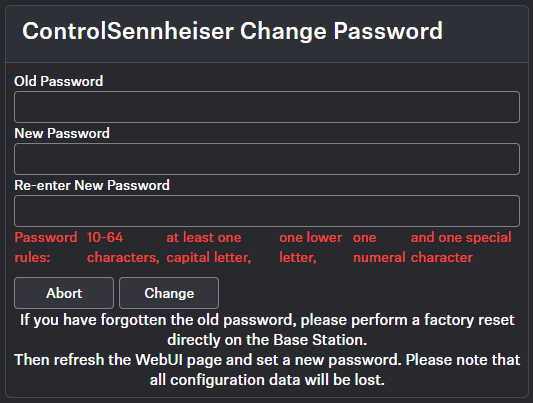
Changing the device password
You have two options to change the device password on your Base Station.
You have two options:
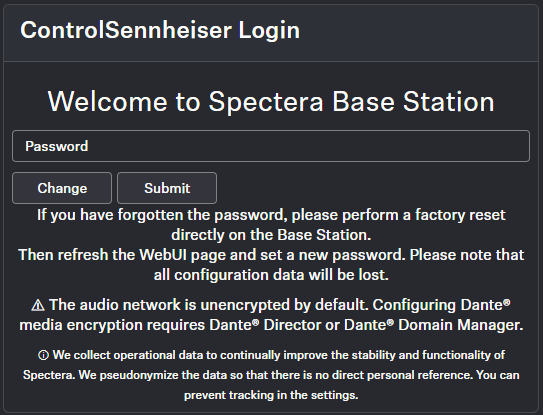
- Change the password before logging in.
- Change or reset the password by resetting the device to factory settings.
To change or reset the device password, the device must be reset to factory
settings.
| NOTICE | |
|---|---|
To reset the password to factory settings, you have two options available:
- Reset via the device (see Reset)
- Reset via the WebUI interface (see Resetting the Base Station)
To change the password:
-
Click on Change.
-
Enter the new password two times.