
Performing a walk test with the SL MCR DW in the Control Cockpit
To perform a walk test in the Control Cockpit:
-
Open the RF settings tab.
-
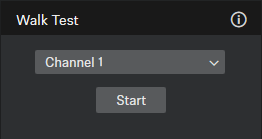
Select the desired channel under Walk Test and click Start.
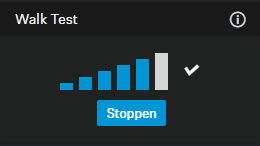
If the result of the walk test is not satisfying, you can take the following remedial measures:
- If possible, position the receiver so that there is always a direct line of sight between the receiver and the paired transmitter.
- If possible, remove obstacles between the transmitter and the receiver.
- If necessary, adjust the manually selected transmission power in the Control Cockpit under RF power mode on the RF settings tab. You can find more information under Multi-room mode.