Starting the software
When you first open the Firmware Updater:
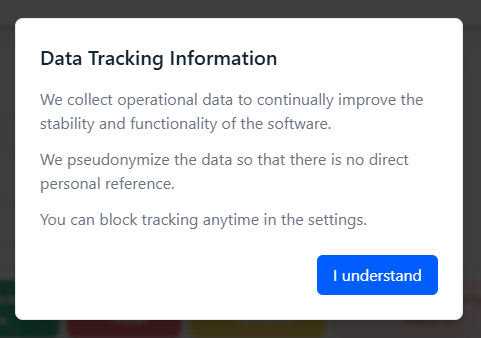
- A pop-up will inform you that we collect operational data to improve software stability and functionality.
- The data is pseudonymized so there is no direct personal reference.
- You can block tracking anytime in the settings (see Enabling/disabling data collection).
-
Close the pop-up to continue to the main interface.