
Installing the software
The Firmware Updater is available for Windows and macOS.
The installer detects whether the required .NET 8 runtime is present and provides a download link if it is not.
To install on Windows:
To install the Firmware Updater:
-
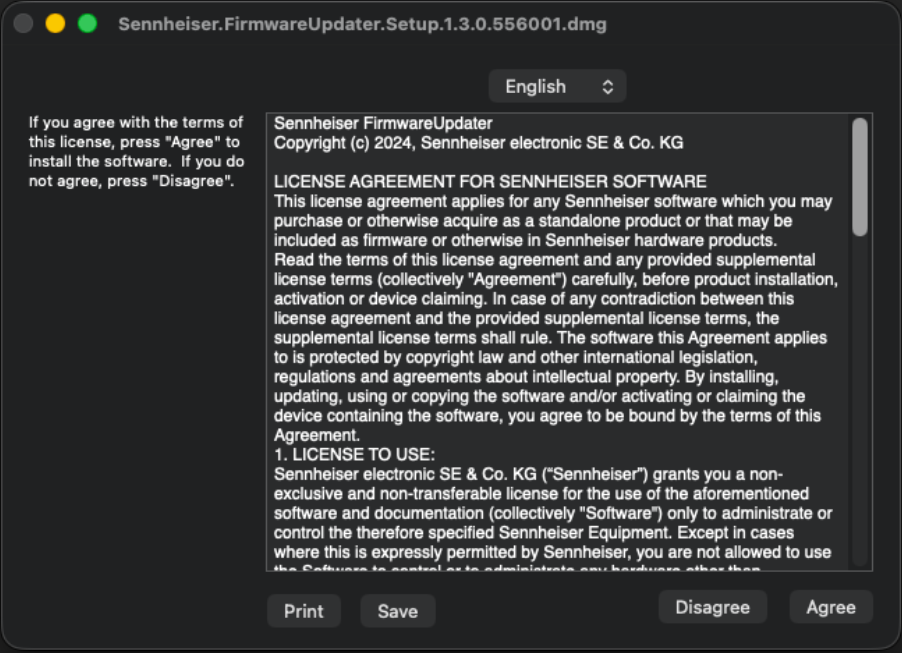
When prompted, accept the license agreement to proceed with installation.
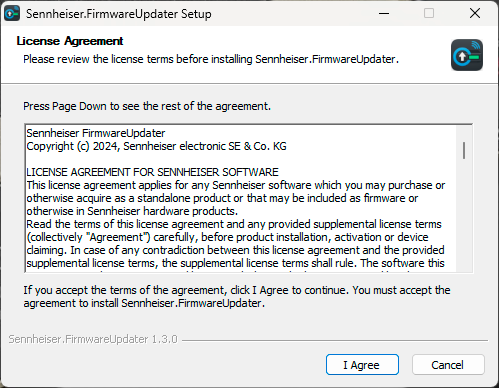
If requested, allow the installer to configure the Windows Firewall rules for device discovery (mDNS / UDP port 5353).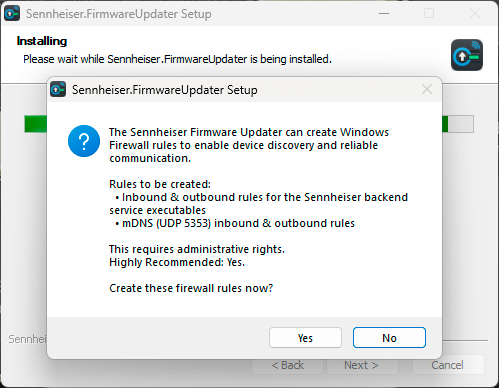
To install on macOS:
-
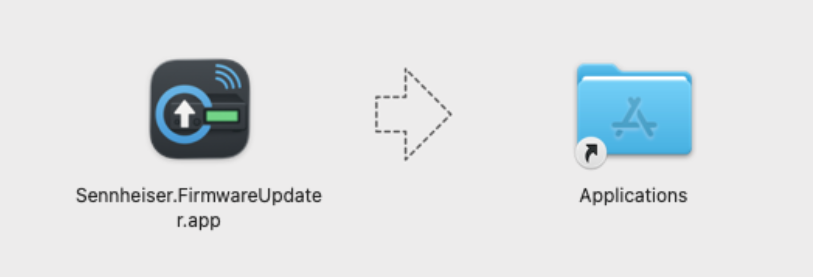
Open the DMG and drag the application into the Applications
folder.
-
Launch the application. It is code-signed and notarized, so no security
warnings appear during installation or launch.
To uninstall on macOS, drag the application from the Applications folder to the trash.