
Managing consent preferences
Manage your consent preferences in DeviceHub during onboarding or later in Settings.
All settings made during onboarding can be adjusted or
withdrawn at any time.
During onboarding, you can select the following consent options in addition to the mandatory terms of use:
- Marketing consent: Consent to receive product
information, helpful onboarding tips, and support for getting started with
DeviceHub.

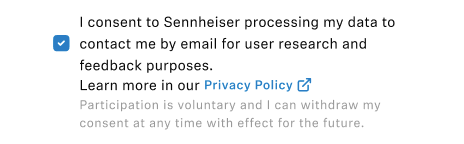
- Research consent: A separate step for consent to participate in research
activities, such as interviews or usability test sessions.
To manage your research or marketing consent preferences in
DeviceHub:
-
Under Consent management, click Manage
consent in one of the following sections:
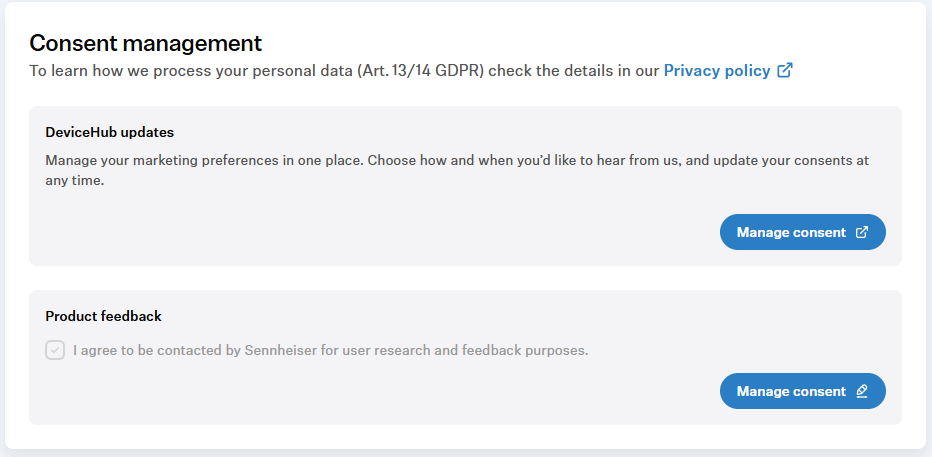
- DeviceHub updates: You will be redirected to the website with available marketing preferences and the option to unsubscribe from all email notifications.
- Product feedback: Consent for research and feedback purposes.
To unsubscribe from all email notifications in the consent
preferences: