
Leaving an organization
Instructions for leaving an organization.
After you leave an organization, you will be redirected either to the Login page or to another organization you belong to. The organization you left will no longer appear in the organization dropdown in the navigation bar.
There must be at least one owner in each organization. Before you can leave,
invite other team members or promote someone to the owner role. If the organization
is no longer needed, request its deletion from our support team.
To leave the organization:
- Navigate to the Settings page.
-
In the Danger zone, select Leave
organization.
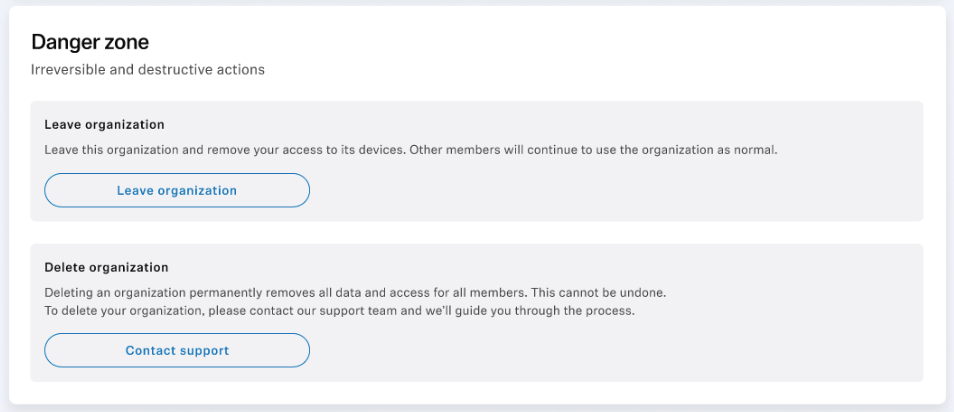
- Confirm that you want to leave in the confirmation modal and then close the modal.