
Filtering devices
The overview of all enrolled devices in DeviceHub can be quickly narrowed down using built-in filters.
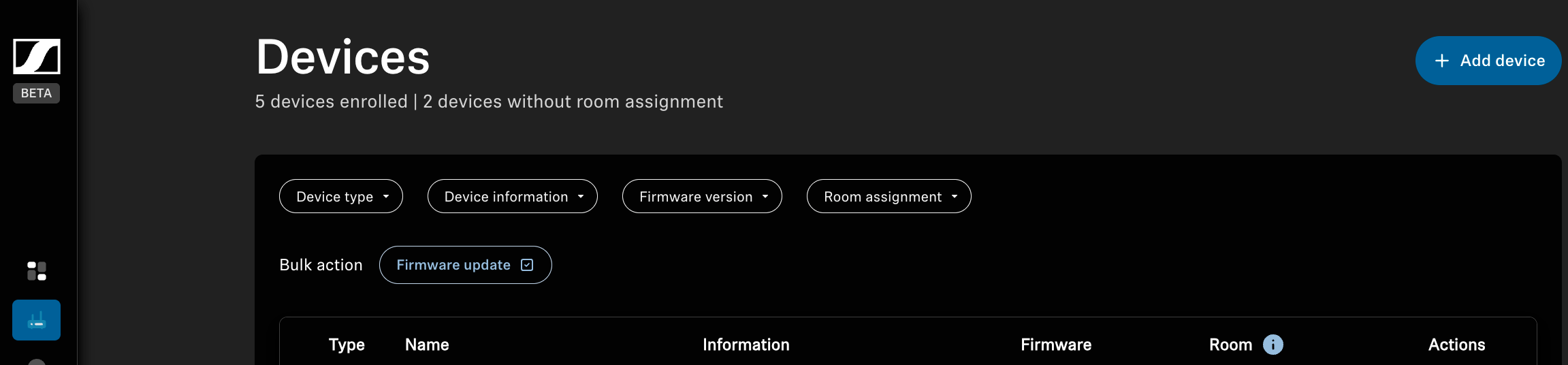
To narrow the display to the devices you need, use one or more filters. You can filter by the following criteria:
- Device type: filter by type, for example, TC Bar S/M or TCC M Plus
- Device information: filter by reported device information, for example, overheating, muting, or disconnected devices
- Firmware version: filter by installed firmware version
- Firmware status: filter by reported firmware status, for
example:
- Up to date
- Update available or
- Update failed
- Room assignment: filter by available rooms
To narrow the search for a desired device:
To remove the selected filters: