Operation
To switch the microphone on or off:
-
Short-press the ON/OFF button.
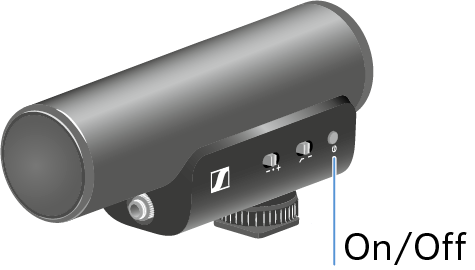
The microphone goes on and the LED lights up green.If the LED lights up red, the remaining battery runtime is less than 3 hours.
To switch the microphone on and off automatically with a camera:
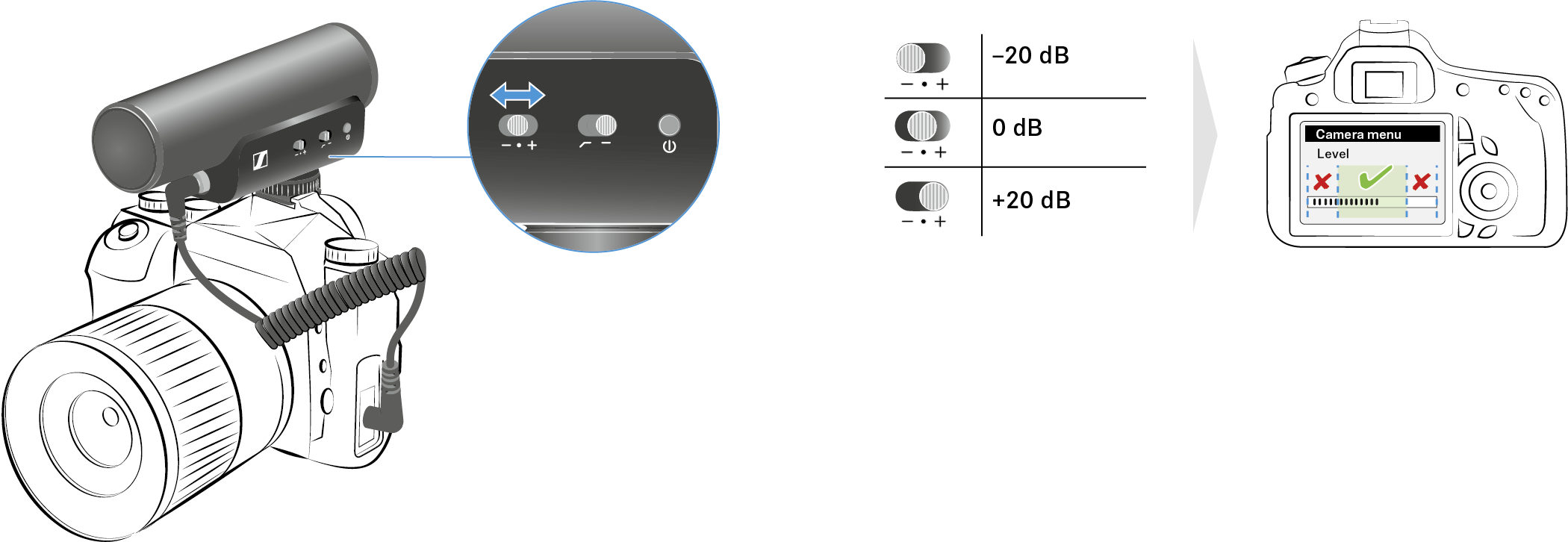
To set the gain:
-
Slide the gain switch to the desired position.
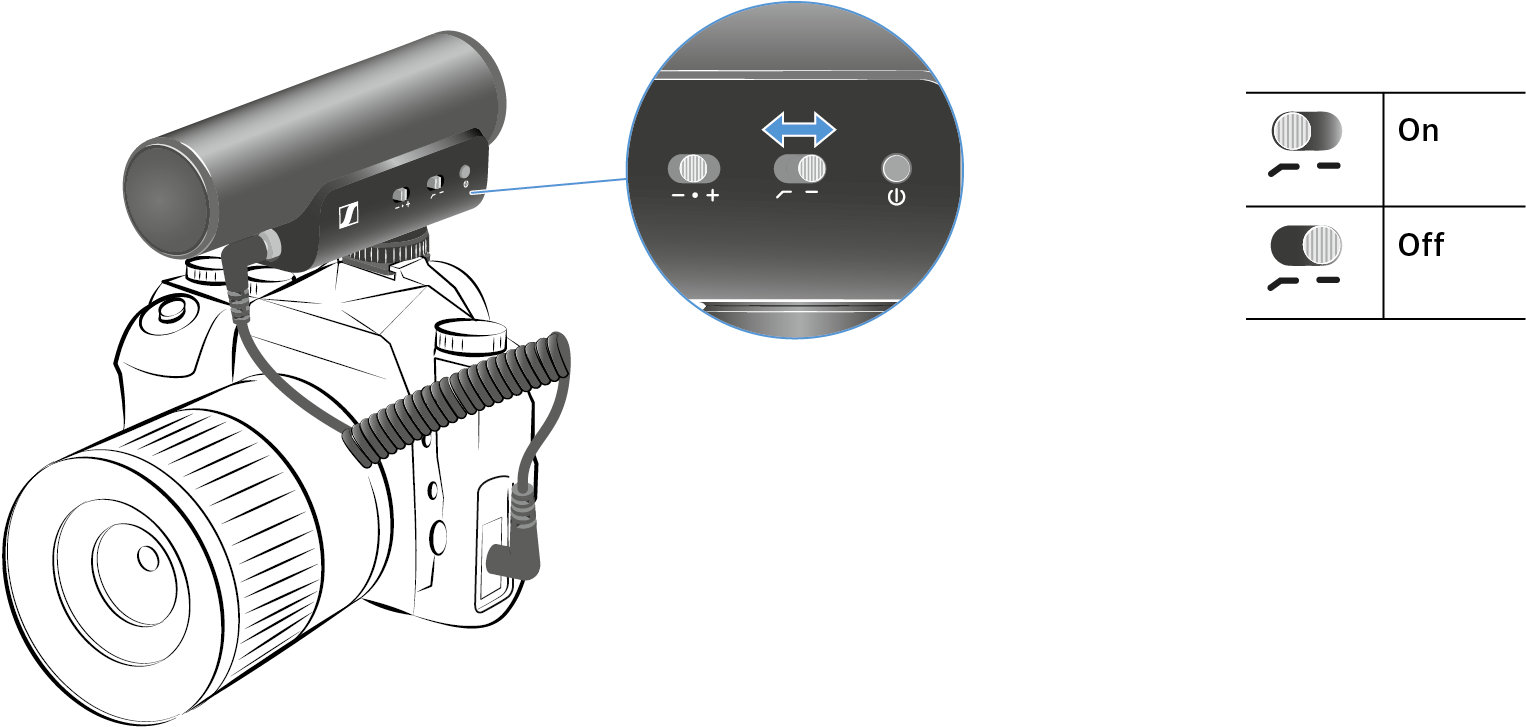
To set the low-cut filter:
-
Switch the low-cut filter on or off.
To use the windshield:
-
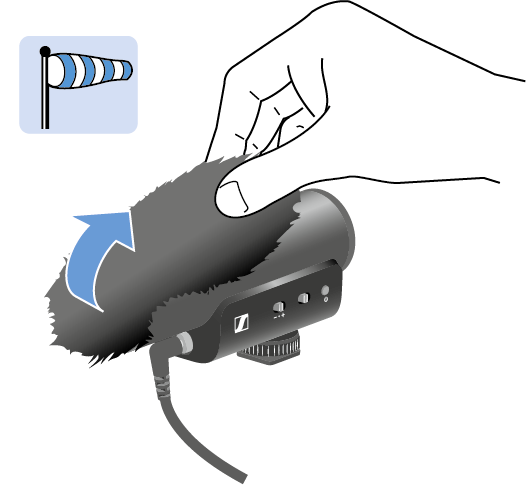
Pull the windshield over the microphone.