
Panorama setting
In the PAN menu item, you can control the volume distribution of an audio signal over two channels.
In stereo mode, the FOCUS function controls the signal received from the transmitter at the receiver. In the mono configuration, FOCUS has no function.
Setting range:
- --
- L1 to L9
- R1 to R9
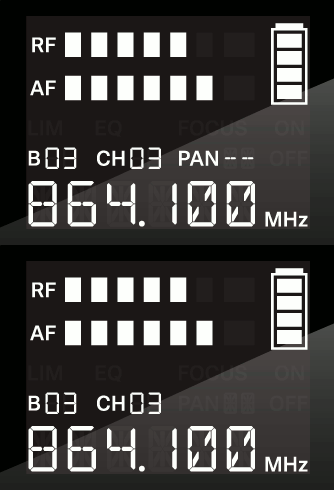
To adjust the balance/focus: