Under the limiter menu item, you can adjust the volume of the PHONES headphones output.
When set to ON, the volume is reduced by 10 dB.
| CAUTION |
|---|
|
Risk of hearing damage!
Subjecting your ears to excessive volumes over an extended period of time can permanently damage your hearing.
Switch on the limiter before putting the earphones on. The limiter limits the volume of the headphone output PHONES and thus protects your hearing.
Do not continuously expose yourself to high volume levels.
|
To switch the limiter on or off:
-
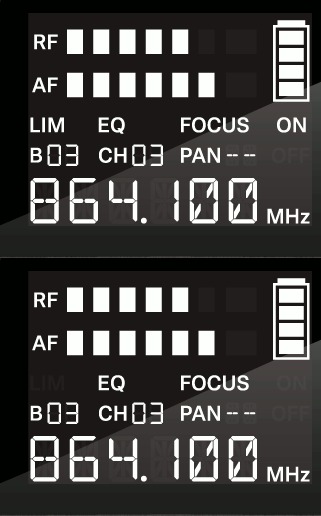
Press the SET button repeatedly until the LIM display flashes.
-
Press the UP or DOWN button to change the set values.
-
Press the SET button
- briefly to temporarily save the settings and move to the next menu item
- for two seconds to immediately save the changes and exit the menu
