
This Device menu item
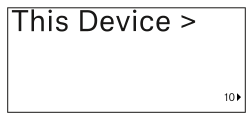
In this menu item you can view information about the transmitter’s software and hardware and reset the transmitter to the factory settings.
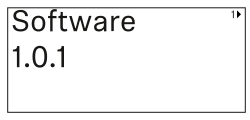
Show software
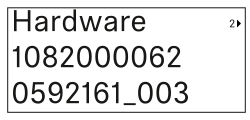
Shore hardware
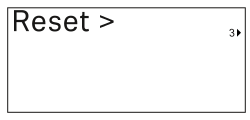
Reset to factory settings
-
Press the SET button to open the Reset menu item.
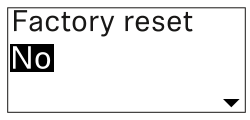
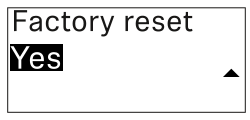
- Press the UP or DOWN button to set the desired value.
- Press the SET button to confirm your selection.