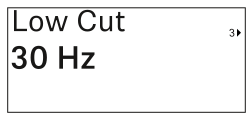
In this menu item, you can adjust the value for the low cut filter.
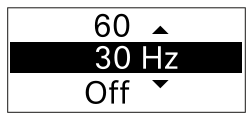
- Setting range: Off, 30 Hz, 60 Hz, 80 Hz, 100 Hz, 120 Hz
-
Press the UP or DOWN button to set the desired value.
-
Press the SET button to confirm your selection.
If you set a value for the channel’s low cut filter using the Low Cut menu item on the receiver and then synchronize the receiving channel with the transmitter, the value entered in the transmitter is overwritten by the value set in the receiver.
