
LED menu item
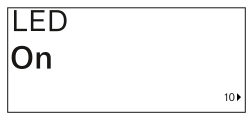
This menu item allows you to set the behavior of the transmitter’s LINK LED.
Setting range:
- ON: The LINK LED remains continuously lit.
- OFF: The LINK LED switches off while the lock-off function is active.
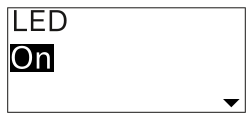
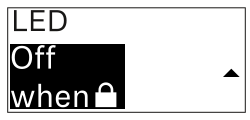
This menu item allows you to set the behavior of the transmitter’s LINK LED.
Setting range: