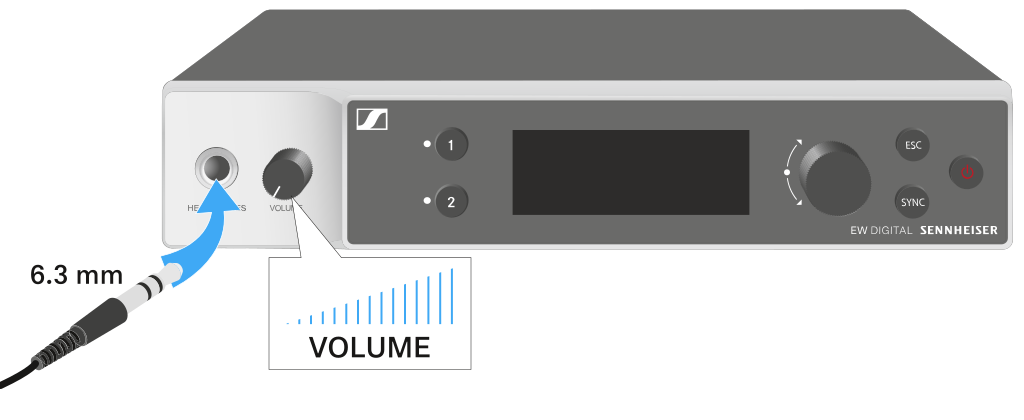
You can use the headphone output on the front of the receiver (6.3 mm jack) to listen to the audio signals of the two channels.
CAUTION
Danger due to high volume levels
Volume levels that are too high may damage your
hearing.
Turn down the volume of the headphone output before you put on the
headphone.
Connect the headphone to the headphone output.
Press the CH 1 or CH 2 button to listen to the audio signal from channel 1 or channel 2.
The headphone icon on the display indicates which channel is currently active on the headphone output. By default, the signal from channel 1 is active on the headphone output.
You can control the volume by turning the volume knob next to the headphone output.