
System -> Link Encryption menu item
You can secure the radio link between the transmitter and receiver using AES 256 encryption.
To open the Link Encryption menu item:
-
In the System menu, navigate to the Link Encryption menu item.
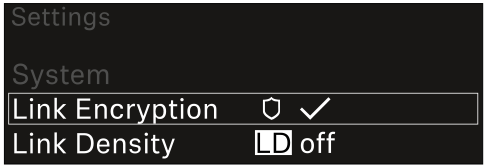
-
Press the jog dial to open the menu.
The following view is displayed:
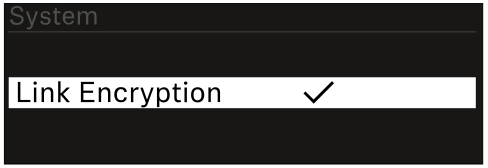
After enabling AES 256 encryption, the connected transmitter must be resynchronized with the receiver to enable encryption on the transmitter as well.