
System -> TX Update menu item
This menu item lets you perform a firmware update for the transmitters. This update is recommended after you perform a firmware update for the receiver (see Updating the firmware of the receiver).
The firmware versions currently installed on the connected transmitter can be viewed under the TX Software menu item for the respective channel (see Ch 1 - Ch 4 -> TX Software menu item).
To open the TX Update menu item:
-
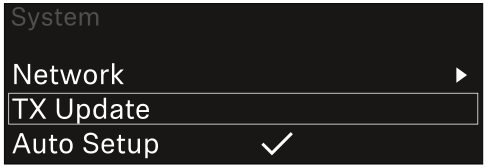
In the System menu, navigate to the TX Update menu item.
-
Press the jog dial to open the menu.
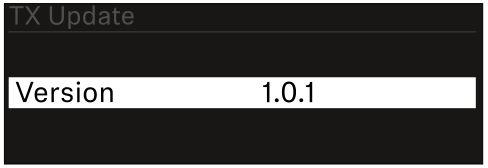
The available sender firmware is displayed:
-
Press the jog dial to start the firmware update.
-
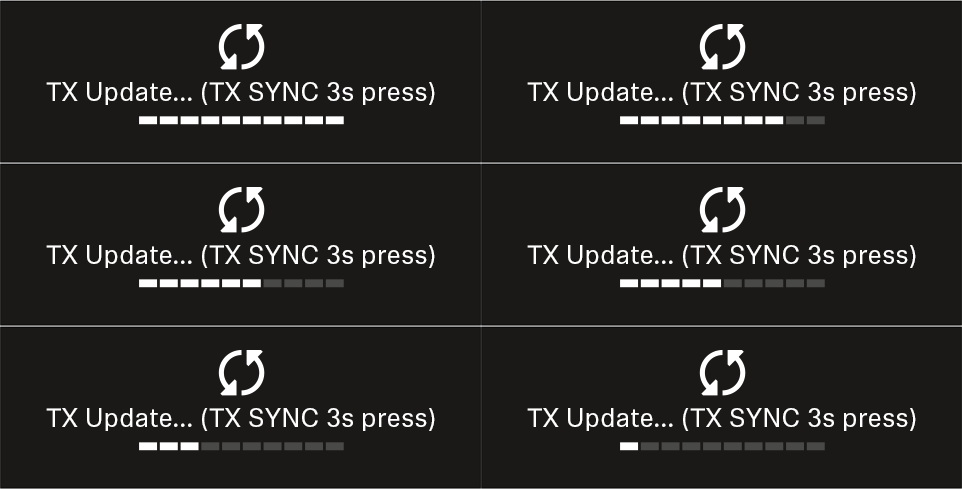
Press the SYNC button on the connected transmitter for 3 seconds.
You have about 20 seconds to do this. The progress bar shows the remaining time.
The system carries out the firmware update for the transmitter.
The progress of the update is shown on the receiver’s display. The transmitter’s display shows that the firmware update is in progress.
| NOTICE | |
|---|---|