Configuring mute mode and muting the bodypack transmitter
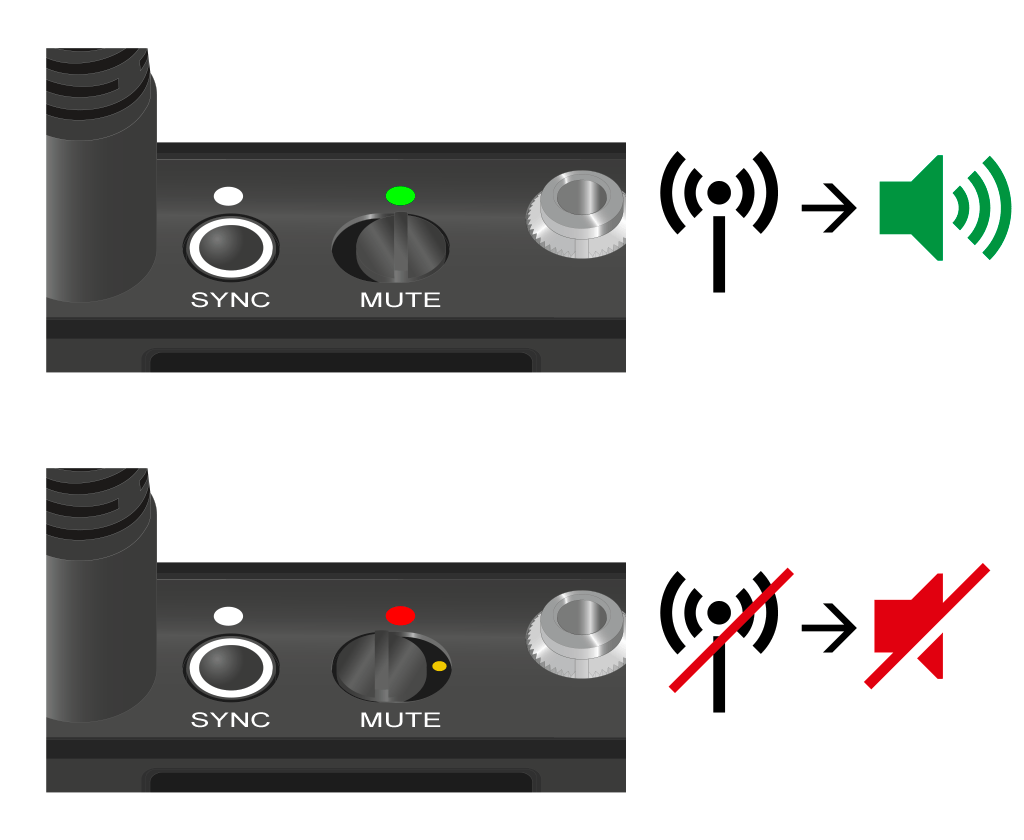
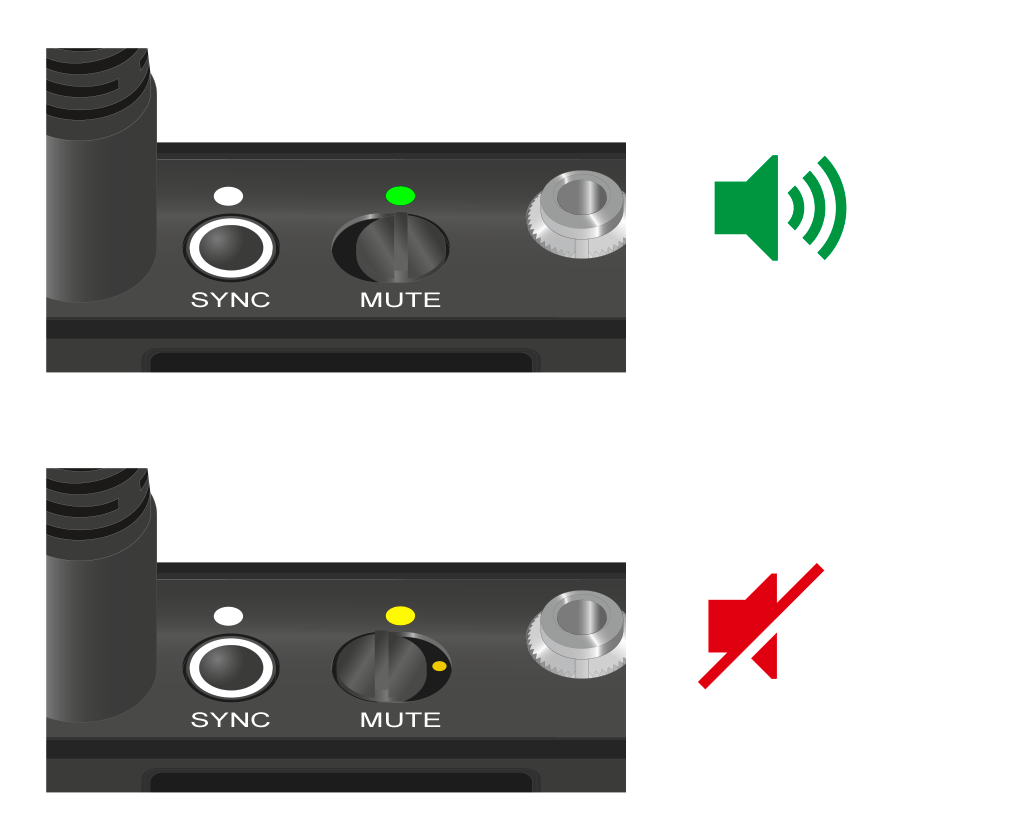
You can mute the handheld transmitter by using the mute switch to turn off either the audio signal (AF Mute) or the RF signal (RF Mute).
To do this, you must configure the function of the mute switch in the Mute Mode menu item.
- On the receiver: Ch 1 / Ch 2 -> Mute Mode menu item
- On the transmitter: Mute Button menu item
AF Mute
-
Slide the mute switch to the desired position to mute or activate the audio signal.
RF Mute
-
Slide the mute switch to the desired position to activate or deactivate the RF signal.