
Setting the frequency on the transmitter
Under the frequency menu item, you can manually set the transmission frequency.
Before using the device, check whether there are interfering frequencies in your frequency range (Finding an interference-free frequency (frequency test)) and then carry out a soundcheck (Performing a soundcheck).
You can set the frequencies in 25 kHz steps.
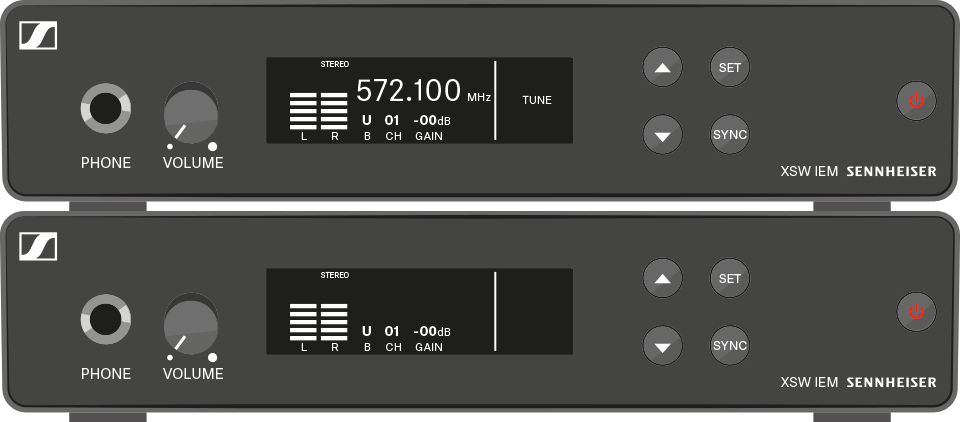
To adjust the transmission frequency:
To exit the menu: