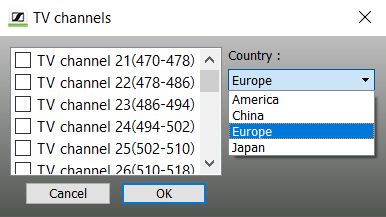
Setting the frequencies – “RF Spectrum Analyzer” only
To manually set the frequency range to be recorded:
-
Click on the arrow in the “Set Frequency” field.
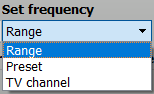
Setting the upper and lower limit of the frequency range (Range)
You can set the upper and lower limit of the frequency range to be recorded. Both frequencies must be within the frequency range of the receiver.
-
Click on “Range”.
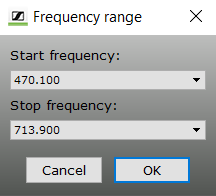
-
Click on the arrow in the “Start” field
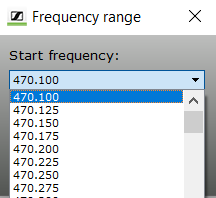
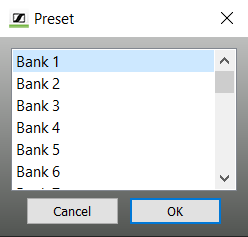
Selecting a channel bank of a receiver (Preset)
You can select a channel bank of a receiver in order to only record the frequency range of this channel bank.
-
Click on “Preset”.
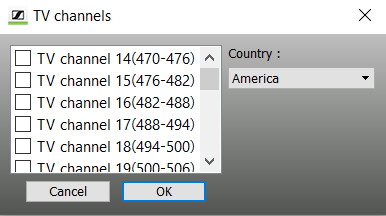
Selecting TV frequencies (TV Channel)
You can select TV frequencies from within the device’s frequency range to be taken into account during the recording.
-
Click on “TV Channel”.
-
Click on “Country” and select an entry.