Preparing the remote control
You can use the remote control to control the different camera modes, activate the Bluetooth® initialization process, and configure various audio settings, such as the volume and muting (see Product overview - remote control).
| DANGER | |
|---|---|
To prepare the remote control for operation:
-
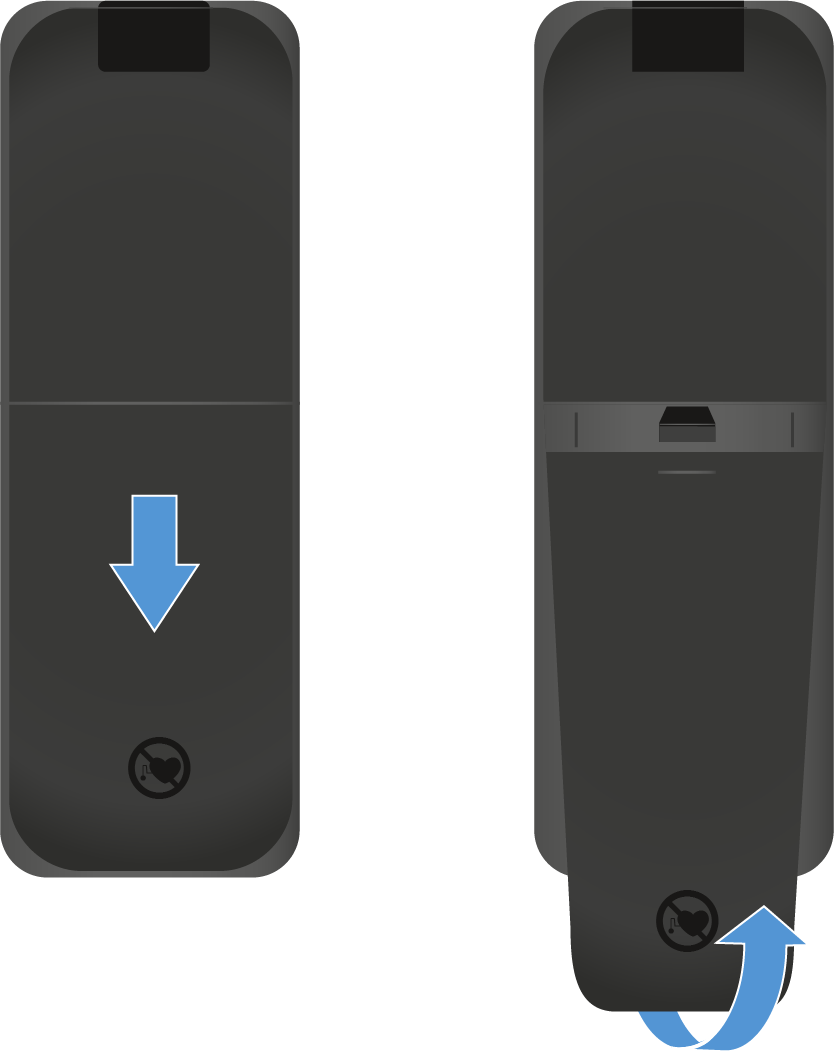
Open the battery compartment on the bottom of the remote
control by pulling the cover approx. 5 mm backward and then upward.
-
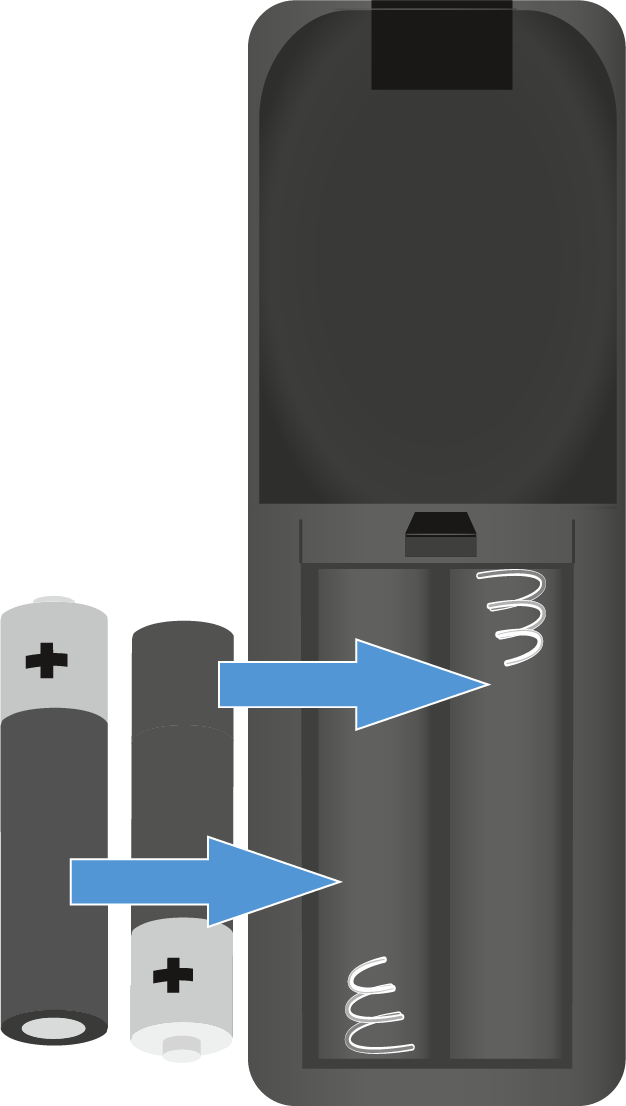
Insert the AAA 1.5 V batteries included in
the delivery or new ones. Observe the polarity shown when doing so.
-
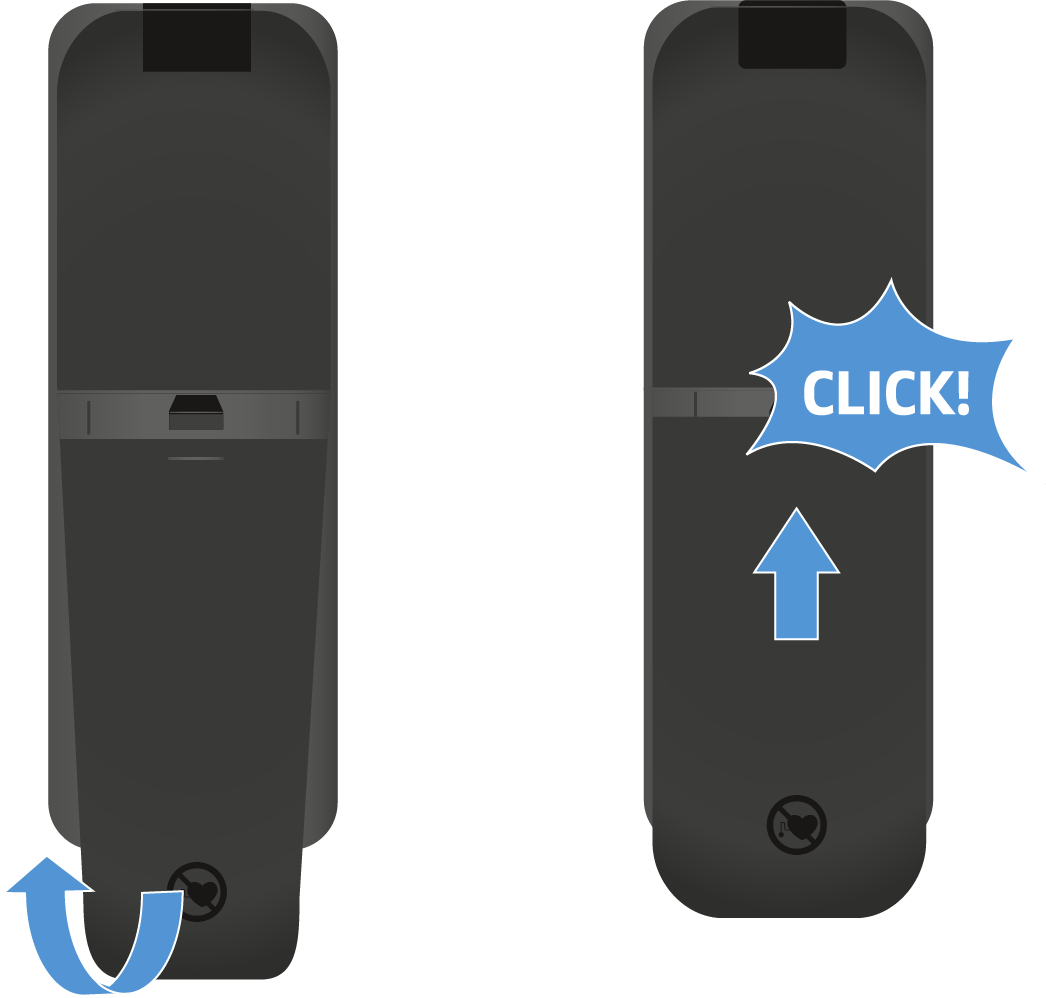
Close the battery compartment.
The cover locks into place with an audible click.