Camera settings
The upper half of the LED ring shows the current camera settings.
The camera can be controlled using either the remote control or the web interface of the control application.
- Camera ON/OFF
- Auto framing ON/OFF
- Person tiling ON/OFF
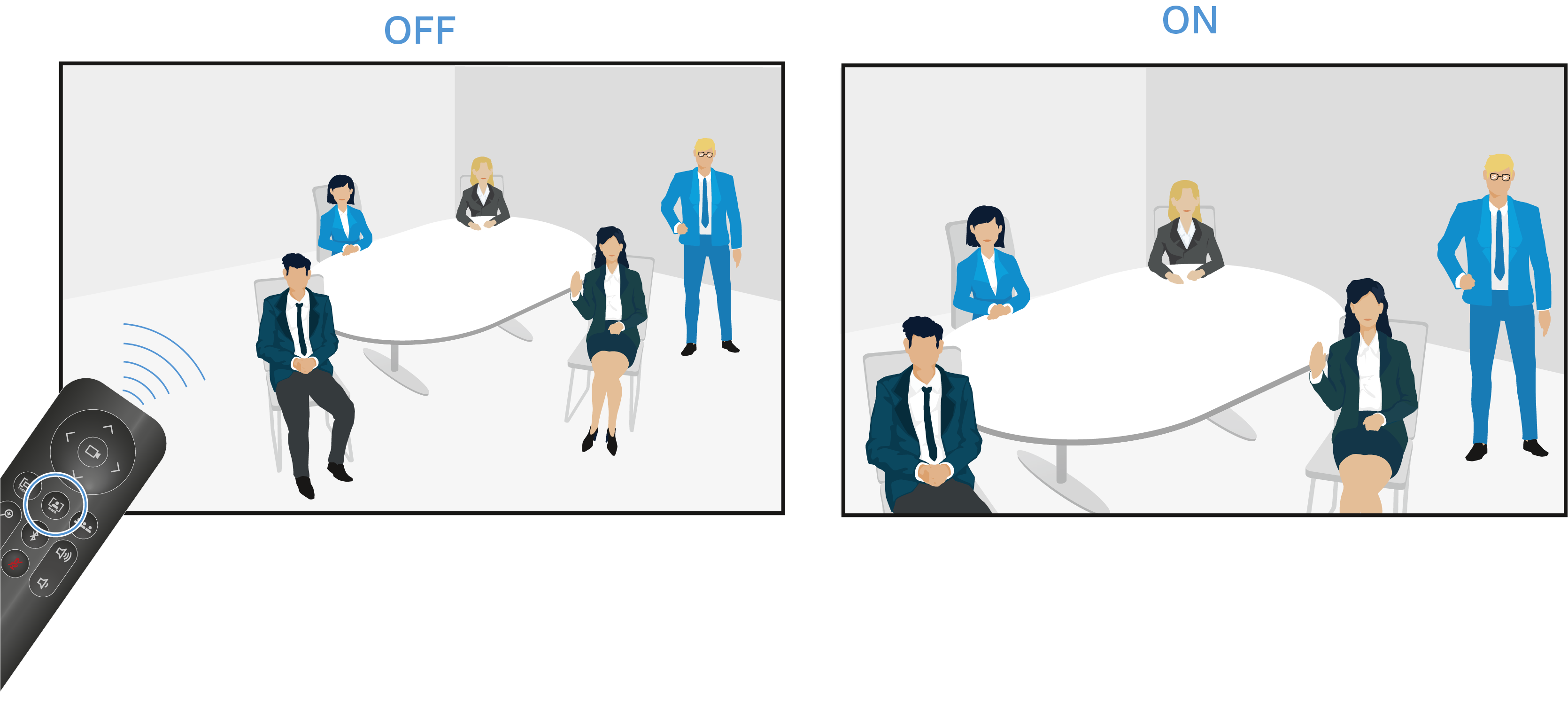
Auto framing
The auto framing function continually focuses on participants in the room, even if they reposition themselves in the room.
 |
When the function is activated, the lens angle adapts based on the number of people identified in the room and activates continual focus on these people. After that, the camera follows each repositioning of the people in the room, enlarges or reduces the lens angle, and refocuses based on the new circumstances in the room. |
 |
The function is deactivated if the button is pressed again. The camera no longer follows movement in the room. |
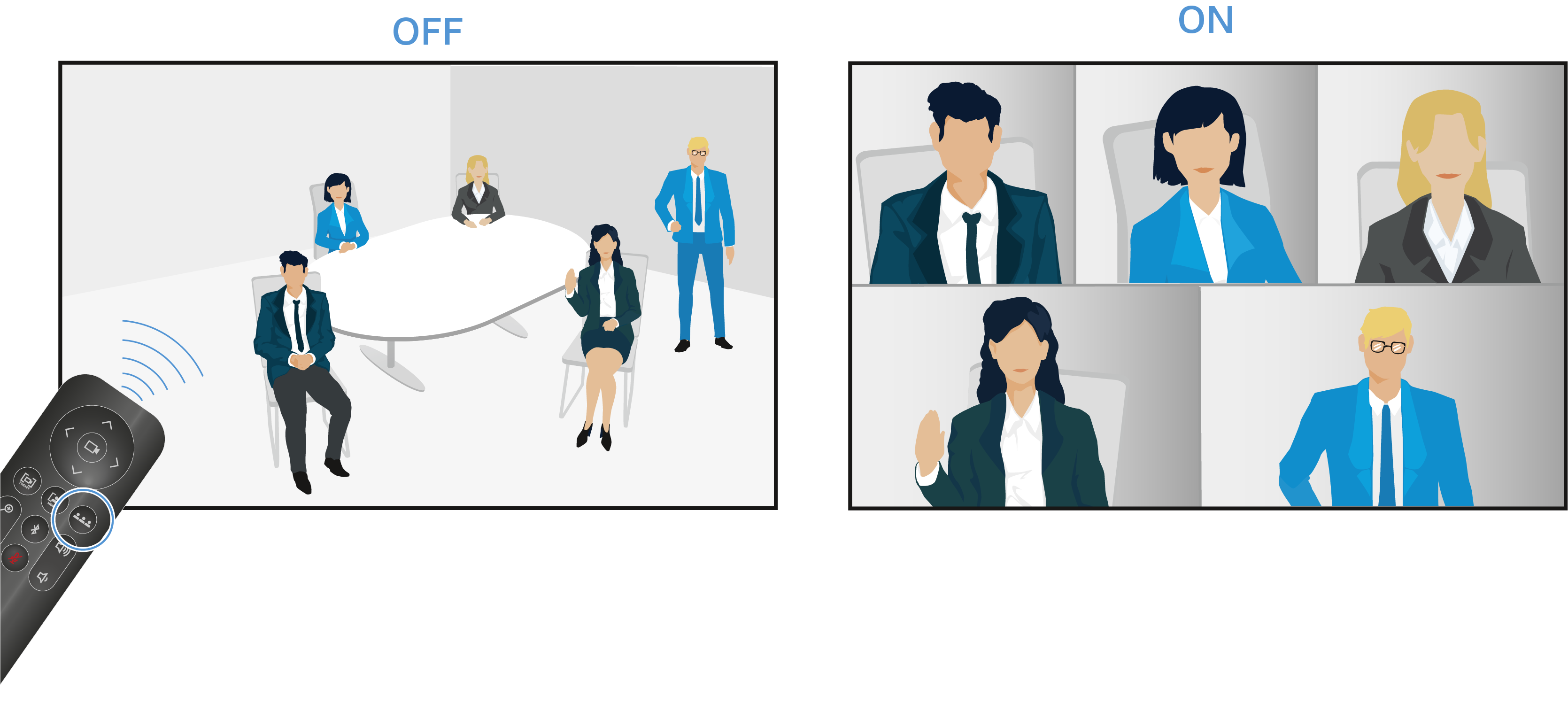
Person tiling
 |
When the function is activated, the lens opens at a large angle with a complete radius of 115°. The first time the button on the remote control is pressed, a complete, wide-angle image is replayed. |
 |
If the button is pressed again, the people recorded are automatically divided into individually tailored frames, and their sections are enlarged. If too many people are present in the room, a custom overall picture is created instead of individual frames. |