Learn how to enroll your device to DeviceHub.
To enroll your device:
-
In DeviceHub, navigate to the section Device.
-
Click on Add device.
An enrollment code is displayed.
-
Copy the enrollment code and switch to the Local Web UI of the device.
-
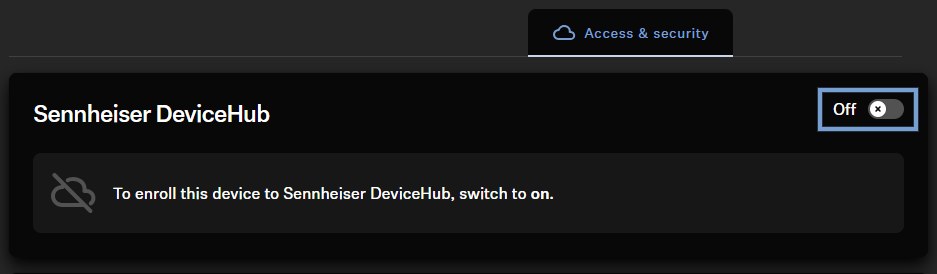
In the Local Web UI, navigate to the tab Access &
Security and activate the cloud connectivity under
Sennheiser DeviceHub (if not yet done).
A query form with the requested activation code is
displayed.
-
Enter the enrollment code in the dedicated field by pasting it.
-
Click on Enroll device.
Once completed, Sennheiser DeviceHub will show the enrolled device(s) in
the device list.
The devices have been enrolled.
