Starting up
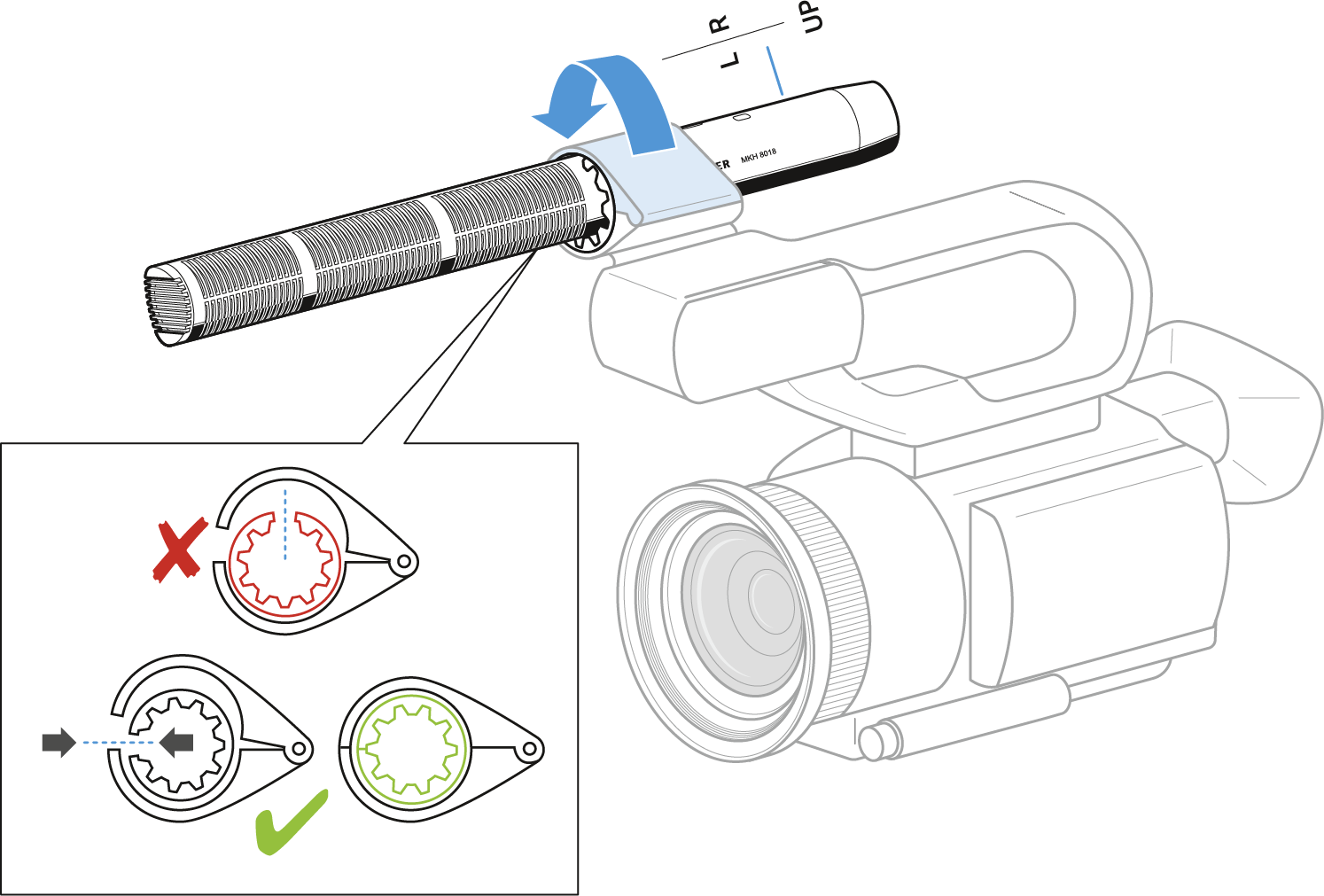
Mounting the microphone on a camera
-
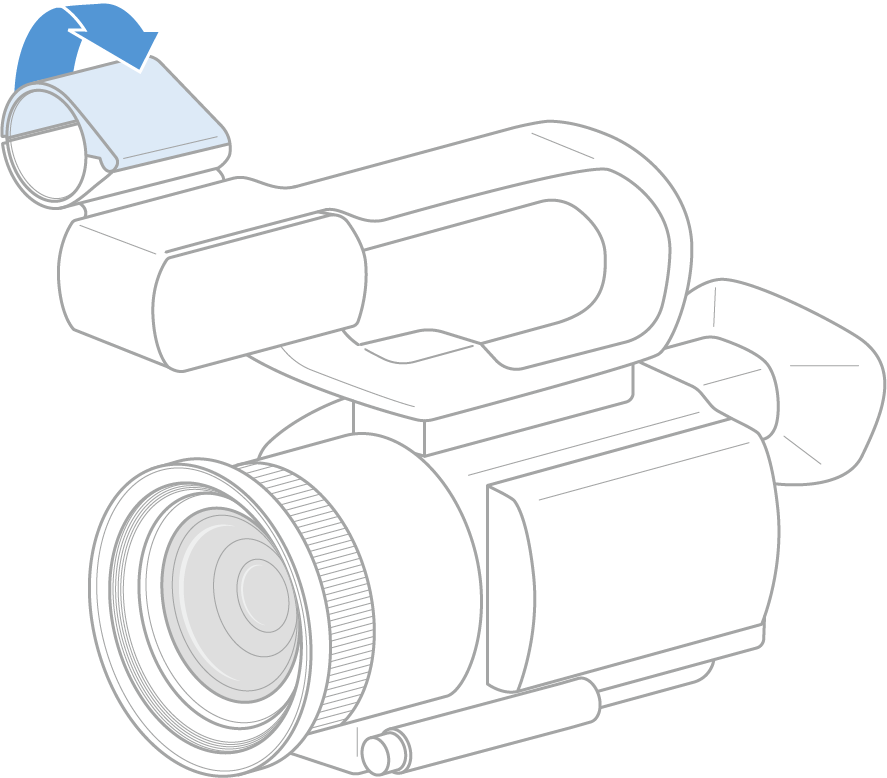
Open the mount on the camera for the microphone.
-
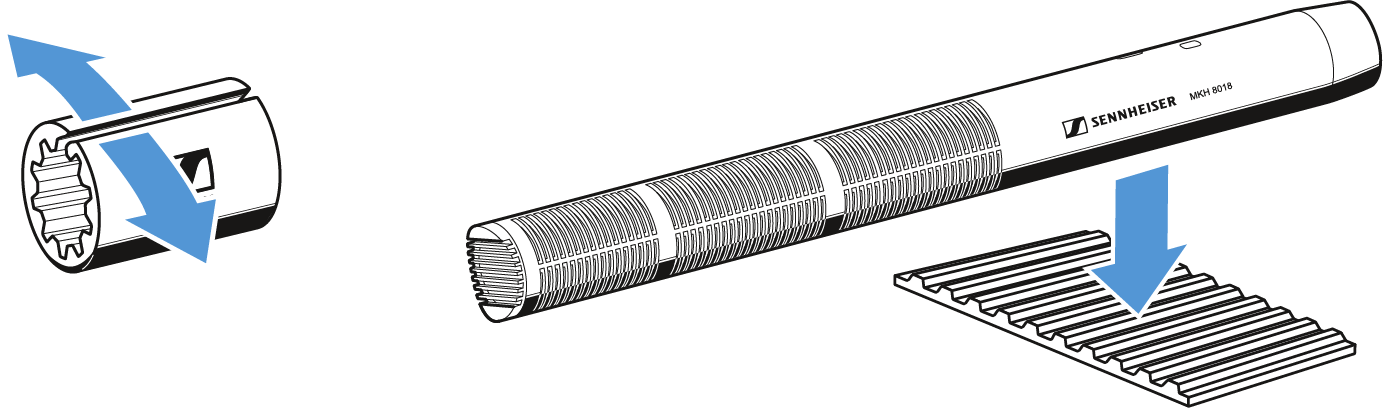
Put the microphone in the camera adapter.
-
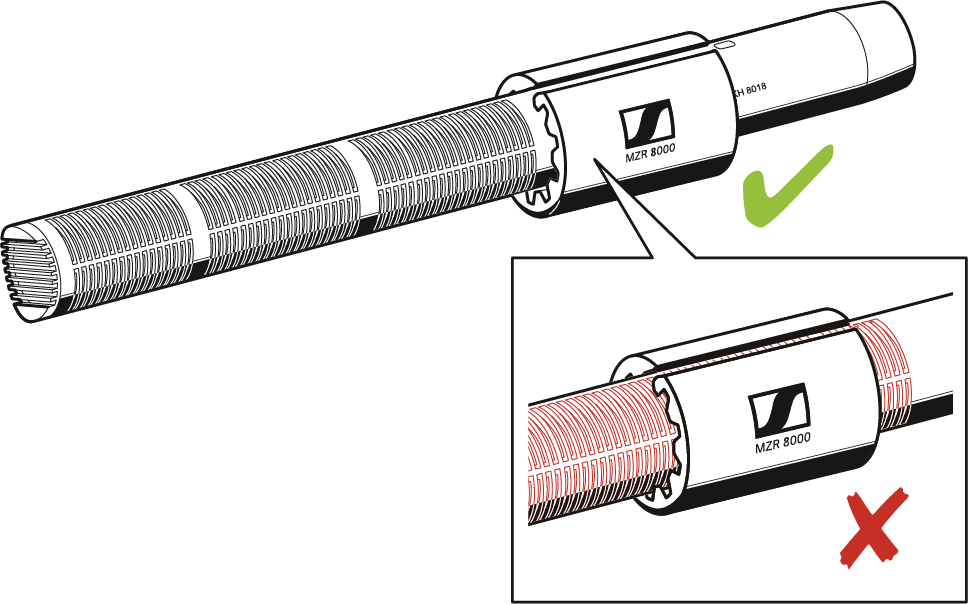
Make sure that the sound inlet baskets are not obstructed.
-
Put the microphone into the mount on the camera as shown and close the mount.
Mounting the microphone to a stand
-
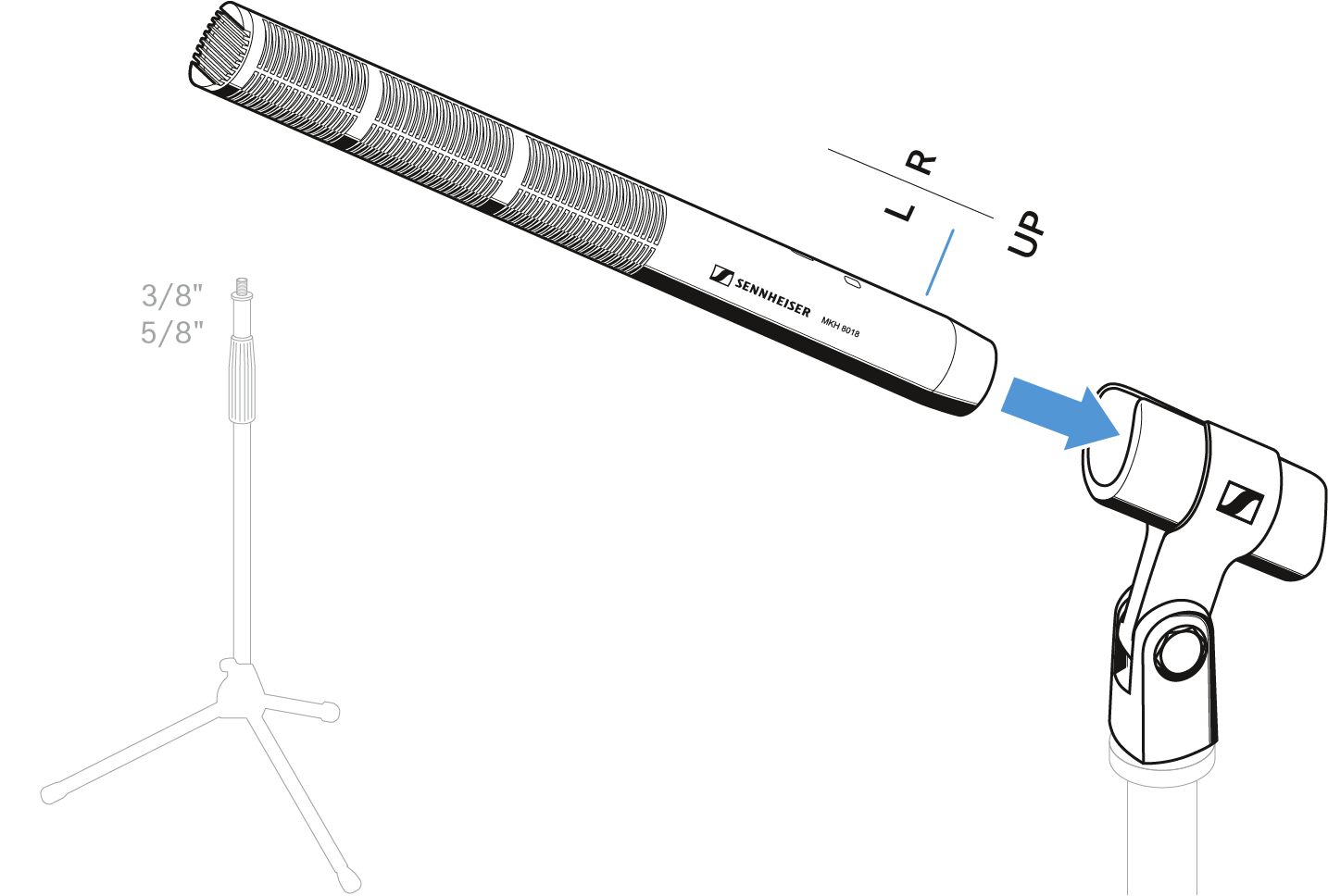
Place the microphone into the clamp.
Connecting the microphone
-
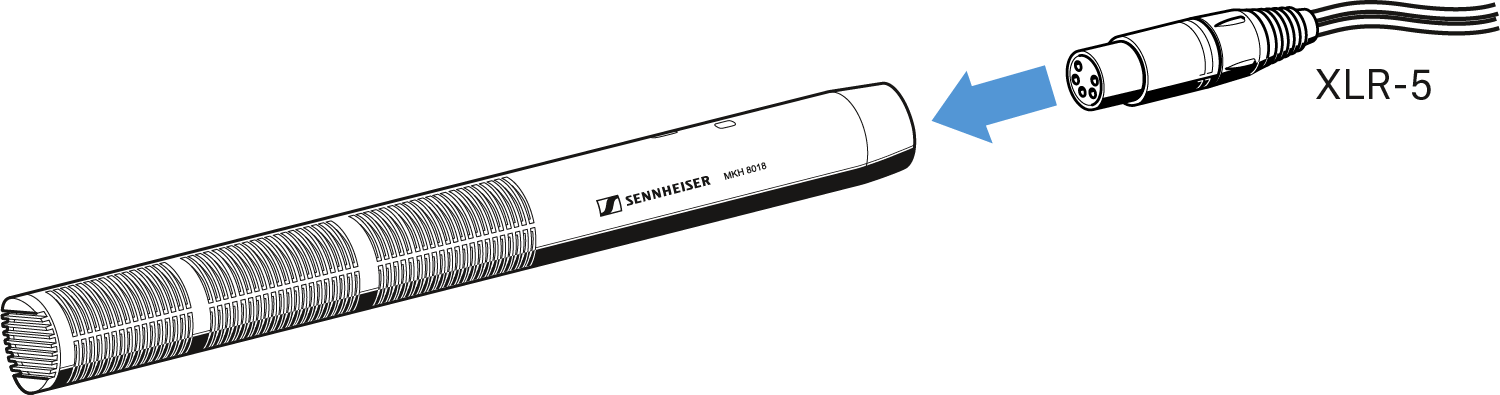
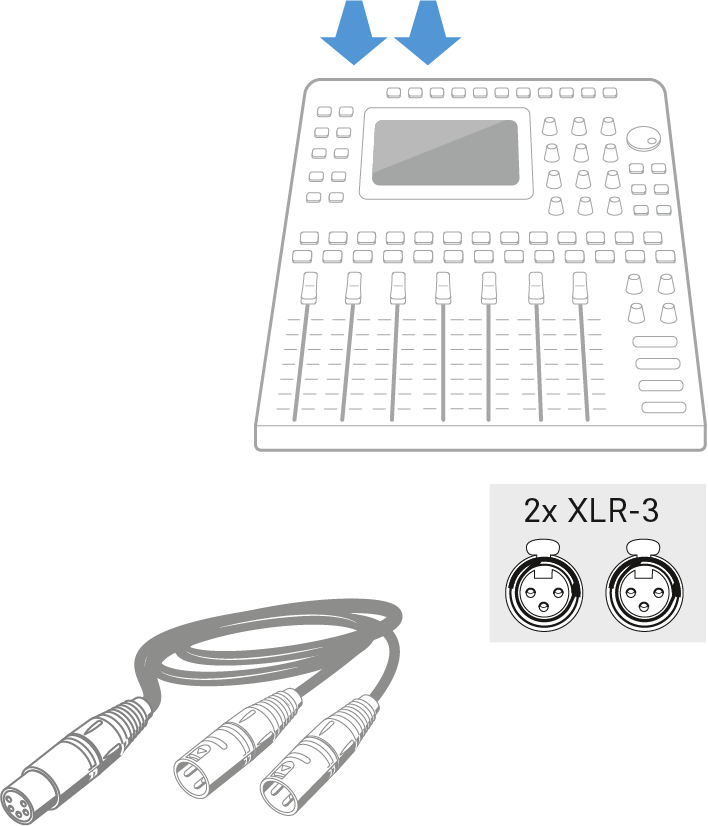
Connect the XLR-5 socket of the microphone cable (optional accessories) to the XLR-5 socket of the microphone.
-
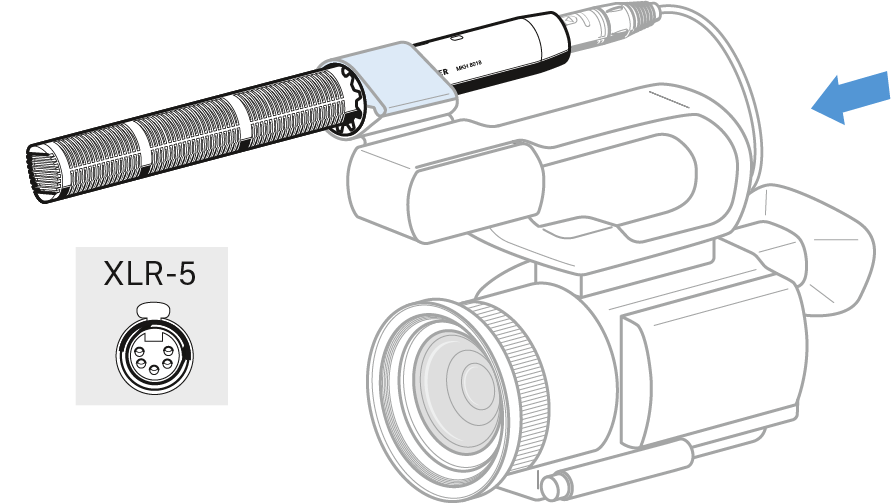
Connect the other end of the cable to a camera.
OR -
Connect the other end of the cable to a mixing console.
Using the windshield
The windshield changes the sound only slightly, but attenuates wind noise by approx. 20 dB.
-
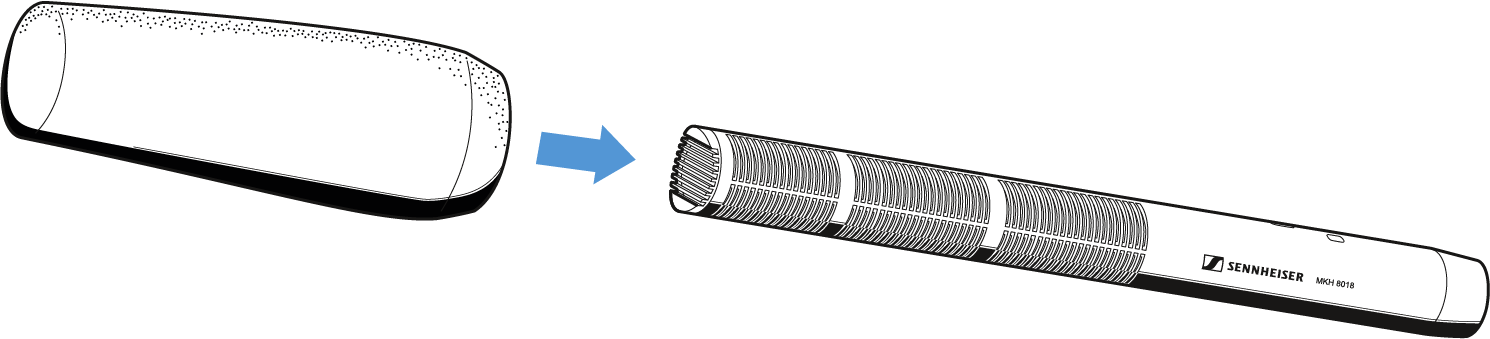
Place the MZW 8018 windshield over the microphone head.