
Connecting the diversity receiver to a camera
To connect the diversity receiver to a camera:
-
Attach the line input of the camera to the jack socket of the receiver using one of the enclosed line connecting cables.
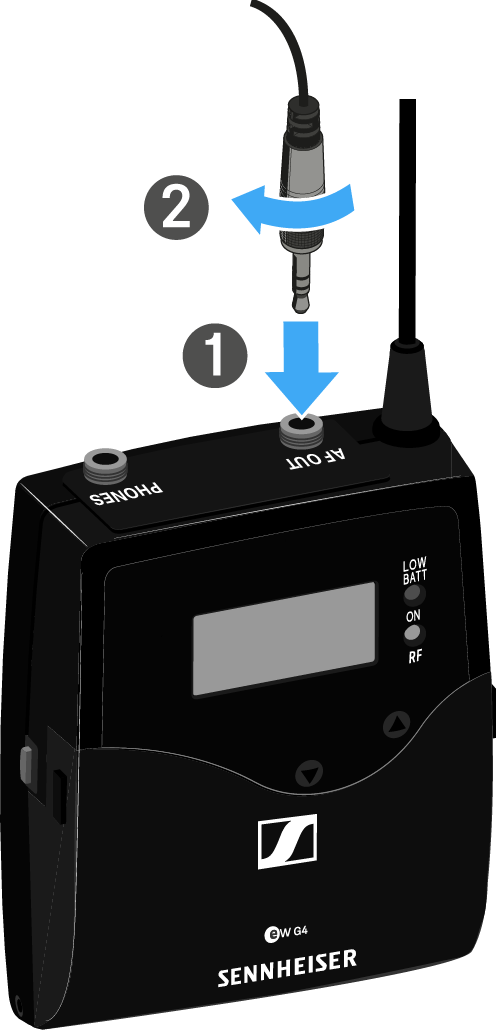
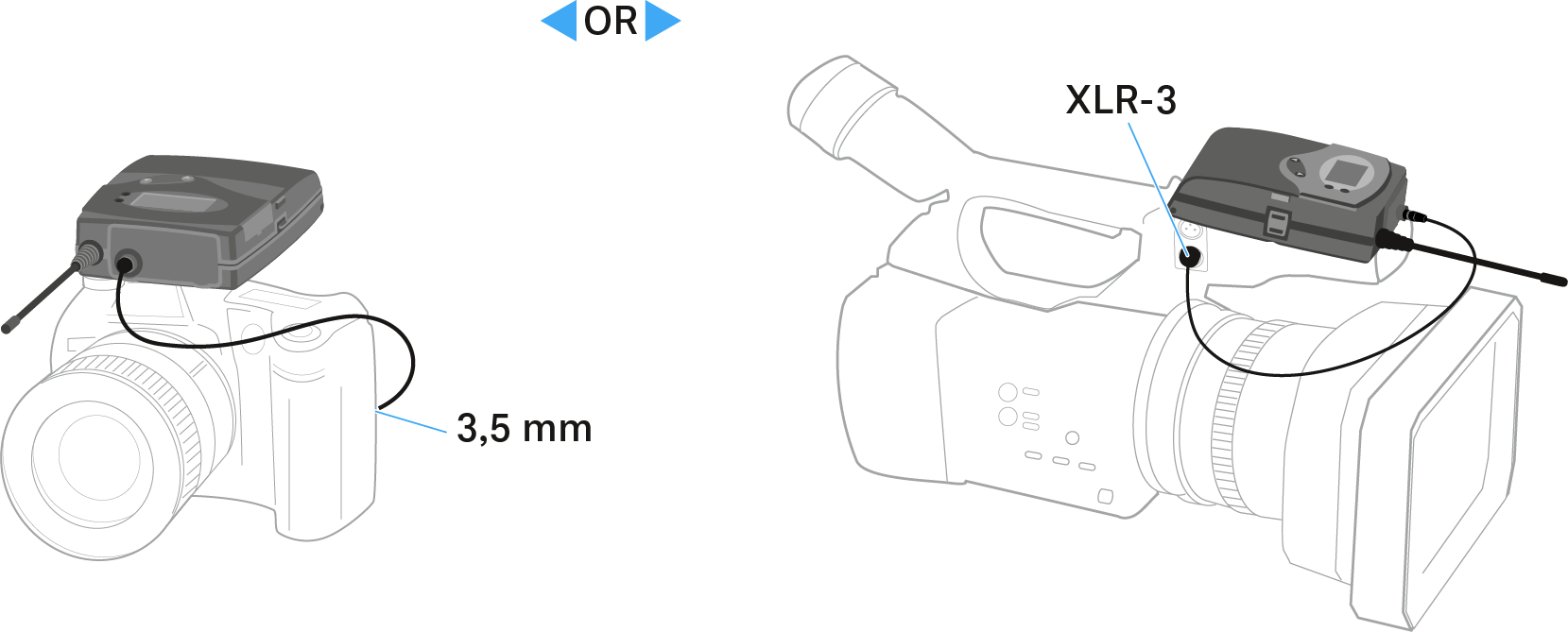
- Adjust the level of the AF Out audio output in the operating menu of the diversity receiver based on the input level of the camera (see AF Out menu item).
The shielding of the line cable acts as an antenna for the second diversity branch. For details on the pin assignment, see Pin assignment.