
LED display
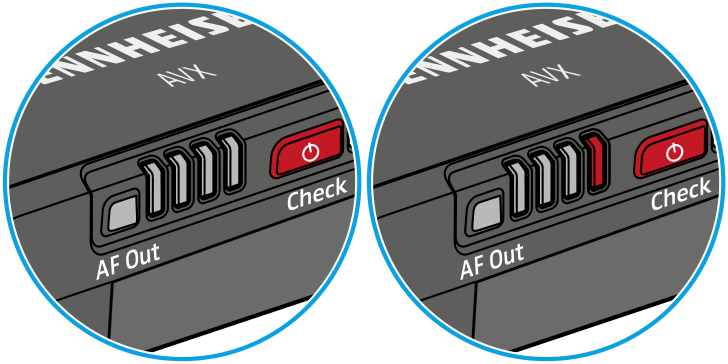
4-step LED display
When the On/Off/Check button has been pressed, the LED display lights up green to indicate the remaining battery life of the receiver‘s BA 20 accupack (see Checking the charge status of the accupacks); when the AF Out button has been pressed, the LED display lights up red to indicate the audio output level (see Displaying or adjusting the receiver‘s audio output level).
When the right LED flashes red, the capacity of the receiver‘s BA 20 accupack is only sufficient for a maximum of 15 minutes of operation.
Status LED
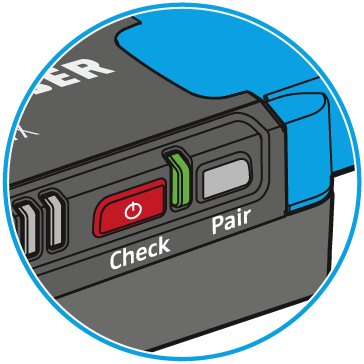 |
The LED is green: A radio link to the transmitter is established. The accupack of the received transmitter is sufficiently charged. |
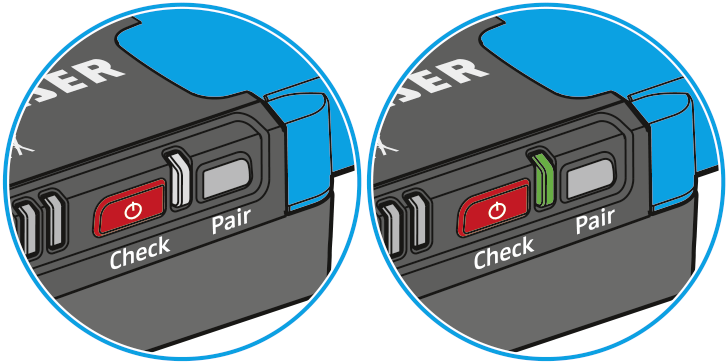 |
The LED is flashing green: The Pair button has been short-pressed. The paired transmitter is being identified. |
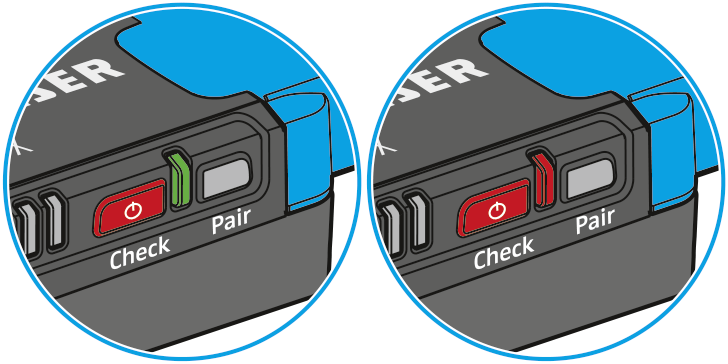 |
The LED is flashing alternately green and red: The Pair button has been long-pressed. The receiver establishes a radio link to a transmitter whose Pair button has also been long-pressed. |
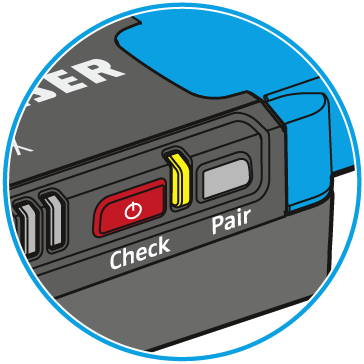 |
The LED is yellow: The received transmitter has been muted with its MUTE switch. |
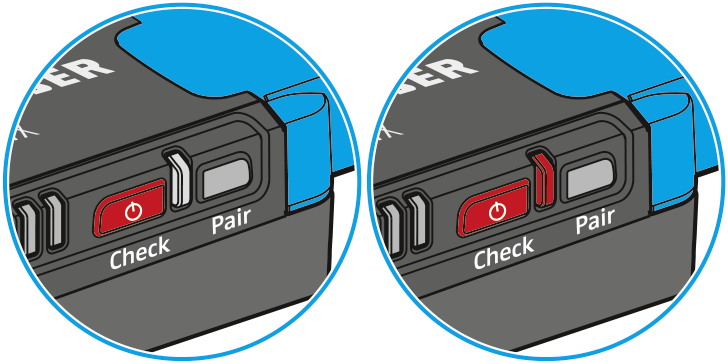 |
The LED is flashing red: The accupack capacity of the received transmitter is only sufficient for approx. 15 minutes of operation. |
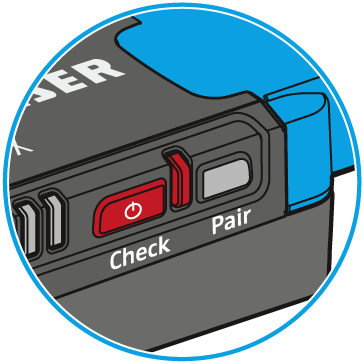 |
The LED is red: No radio link to a transmitter. |