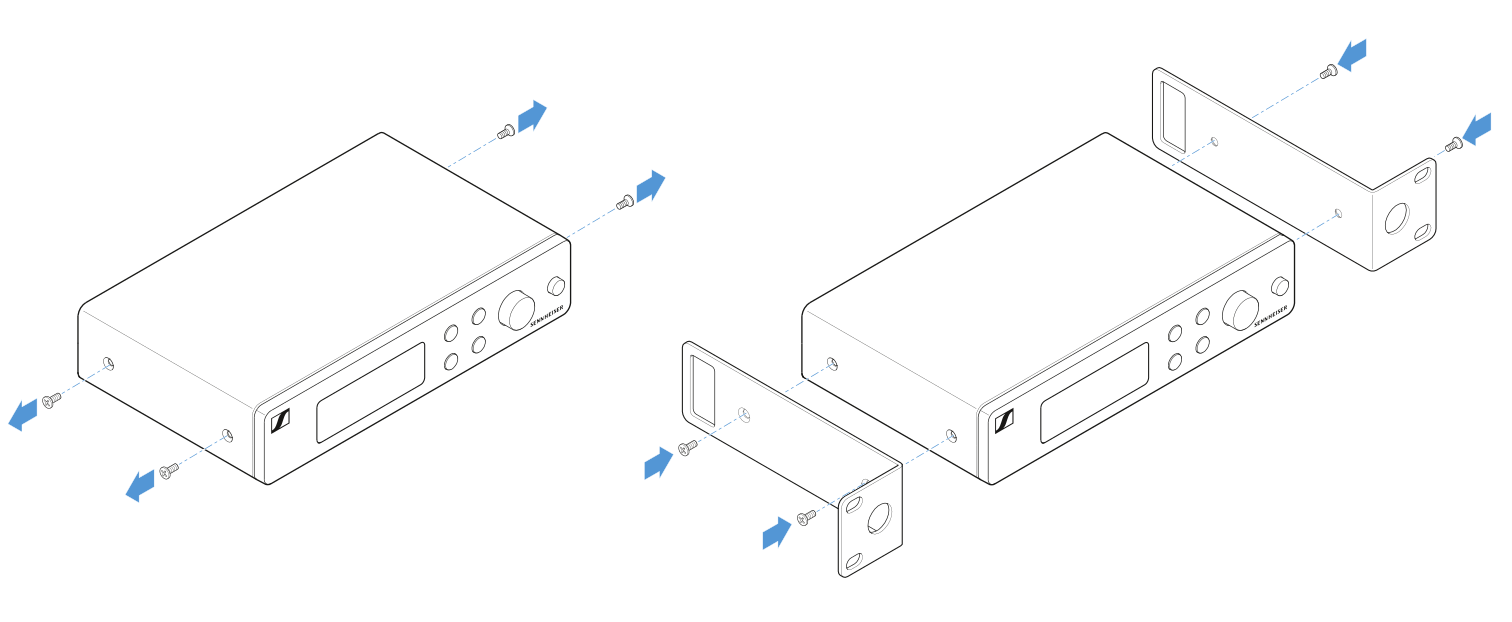
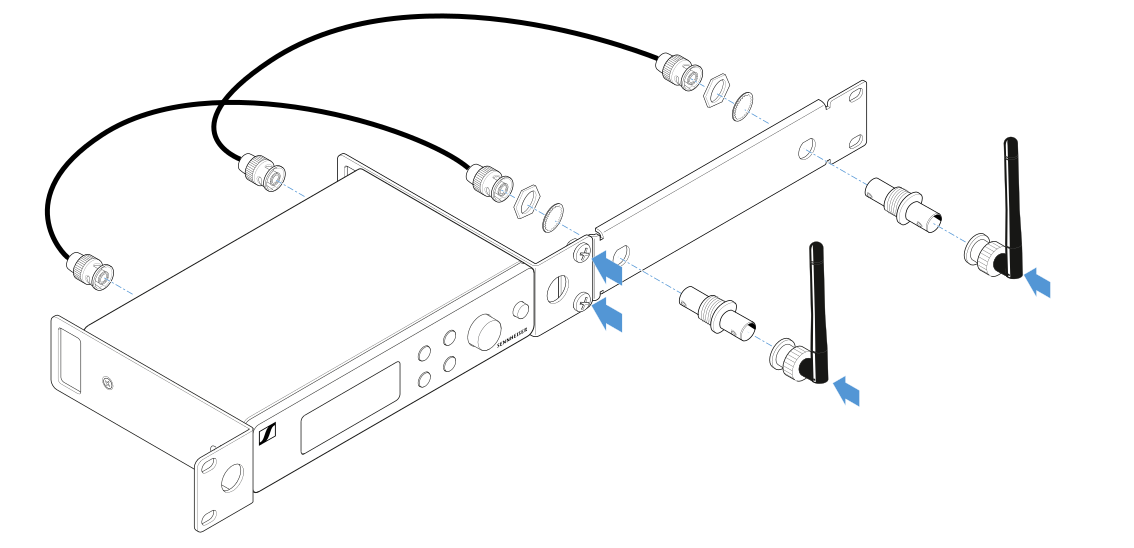
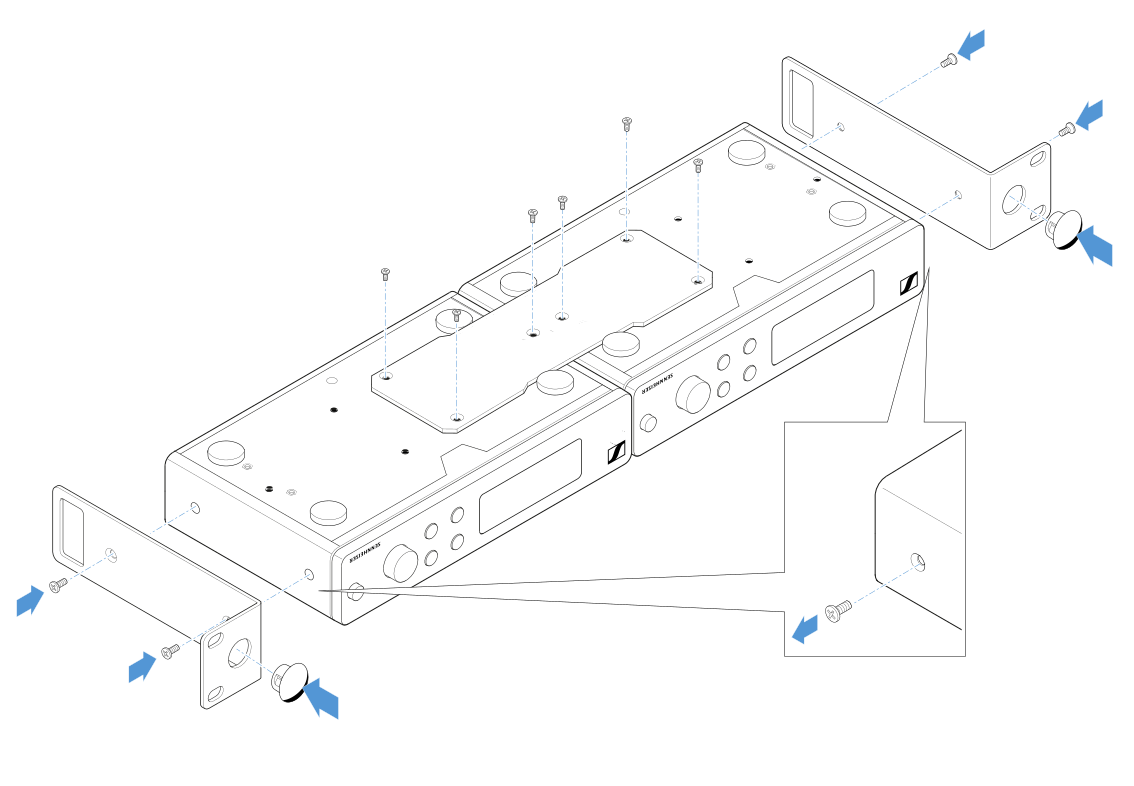
Rack mounting poses risks
When installing the device in a closed 19" rack or multi-rack assembly, please consider that, during operation, the ambient temperature, the mechanical load and the electrical potentials will be different from those of devices which are not mounted into a rack.
Make sure that the ambient temperature within the rack does not exceed the permissible temperature limit stated in the specifications. See
Specifications.
Ensure sufficient ventilation; if necessary, provide additional ventilation.
Make sure that the mechanical load of the rack is even.
When connecting to the power supply system, observe the information indicated on the type plate. Avoid overloading the circuits. If necessary, provide overcurrent protection.
When mounting in a rack, please note that intrinsically harmless leakage currents of the individual power supply units may accumulate, thereby exceeding the permissible limit value. As a remedy, ground the rack via an additional ground connection.