Learn how to enroll your device with DeviceHub.
To enroll your device:
-
Open DeviceHub and switch to the Device section.
-
Click Add device.
An enrollment code is displayed.
-
Copy the enrollment code and switch to the device’s local web UI.
-
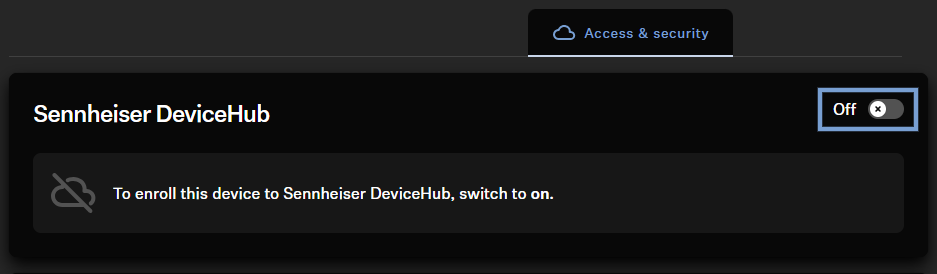
In the local web UI, go to the Access & Security tab and enable cloud connectivity under Sennheiser DeviceHub (if not already enabled).
A form requesting the required activation code will appear.
-
Paste the enrollment code into the designated field.
-
Click Enroll device.
After completion, Sennheiser DeviceHub displays the enrolled device(s) in the device list.
The devices have been enrolled.
