
Setting the volume (remote control)
You can adjust the volume by using the remote control or your control application.
You can also adjust the volume using the system settings of
the operating system used, the conference system used (e.g., MS Teams, Zoom, etc.)
or the control panel in Sennheiser’s control software.
The volume can be adjusted within a range from 0 to 100.
Examples:

Volume 0
Volume 0
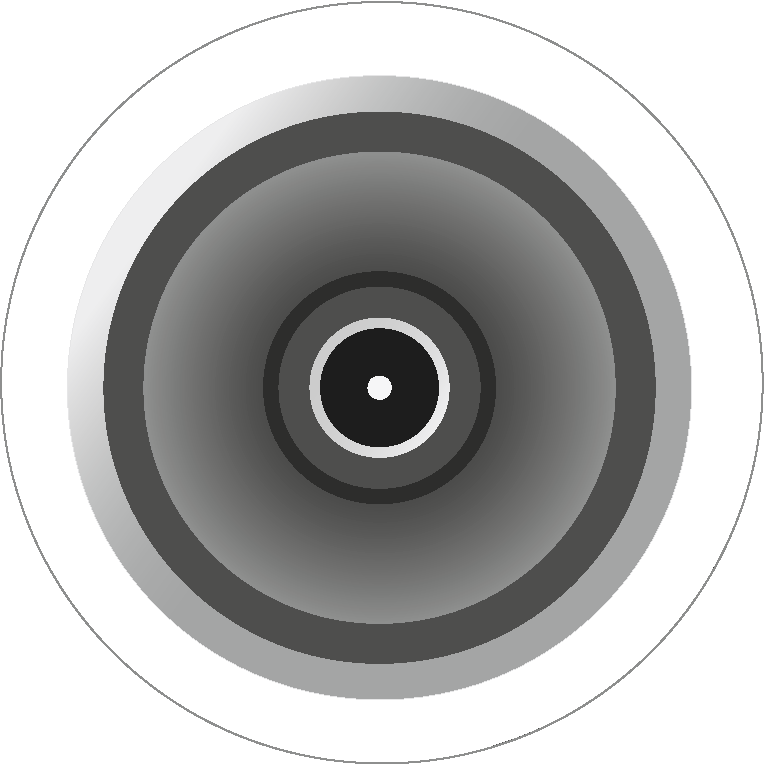
Volume 100
| WARNING | |
|---|---|
Adjust the volume of the speakers to the desired level by doing one of the following:
- Press the volume buttons on the remote control.
The LED indicates the current volume setting.