Enabling Dante® speaker output
Route audio to external Dante® speakers and disable the device's internal speakers.
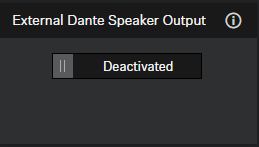
When enabled, audio output is routed to external Dante® speakers and the device’s internal speakers are muted.
Before enabling this function, ensure that the Dante®
protocols are enabled (see Activating Dante® signal forwarding). Also
verify that routing has been configured in Audinate Apps before activation;
otherwise, echo effects may occur.
To enable the Dante® speaker output:
- In the Control Cockpit, navigate to .
-
Activate the slider in the field External Dante® speaker
output.