
Accessing the ZMAN module
Access the ZMAN module to update firmware and configure advanced settings.
Download the latest firmware version for the ZMAN module from sennheiser.com/base-station.
You can find detailed documentation for the ZMAN module here: Ravenna Advanced User Guide.
The instructions are written for HAPI, but they also apply to the ZMAN module.
To access the ZMAN module:
-
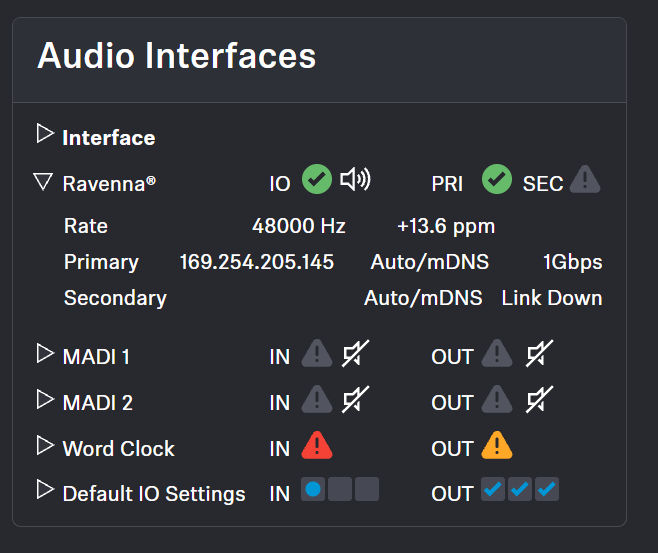
Read out the IP address in the WebUI.
-
Enter the IP in your browser.
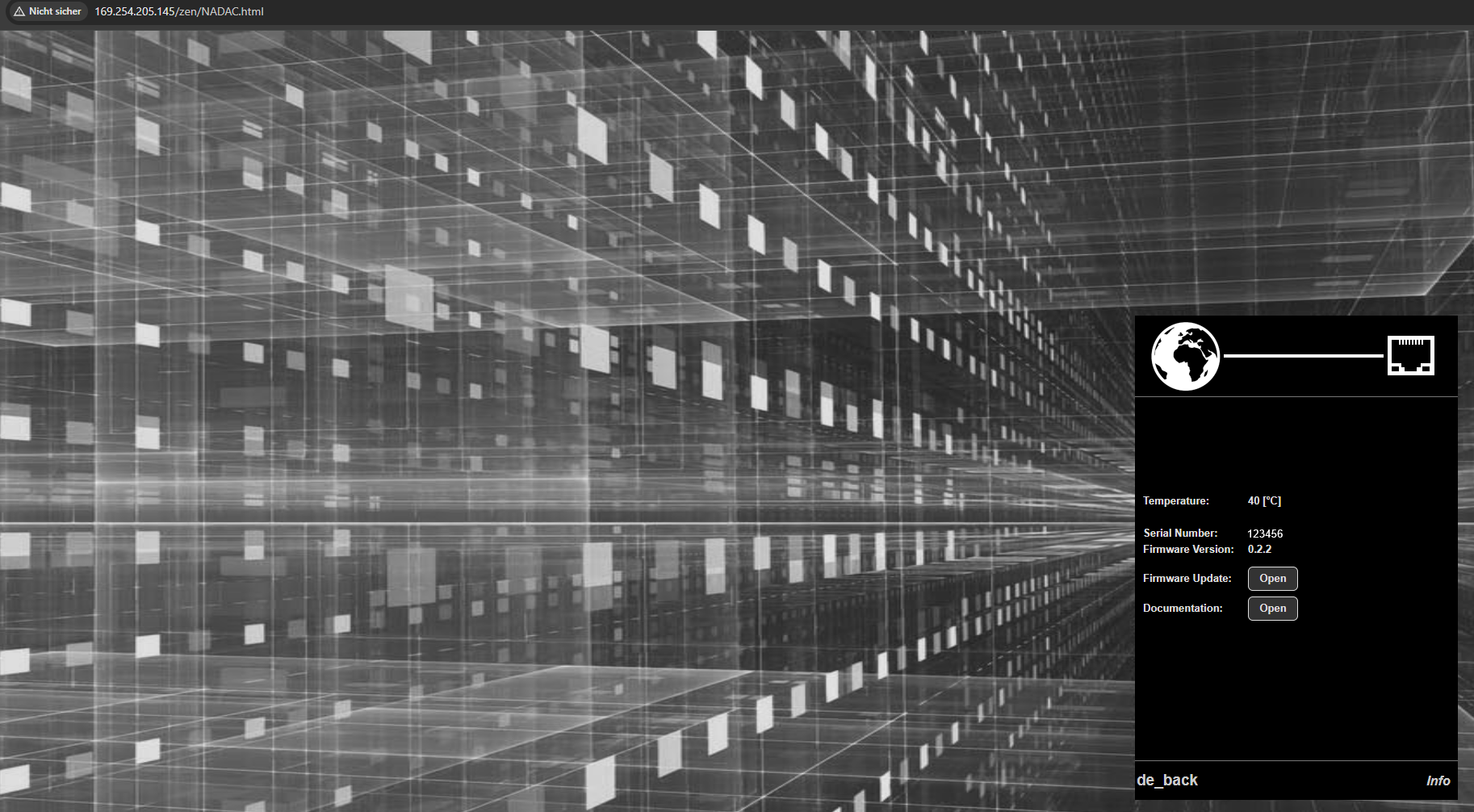
You can update the ZMAN module.
To access the advanced settings:
-
Enter the following URL in your browser:
IP/advanced/index.html.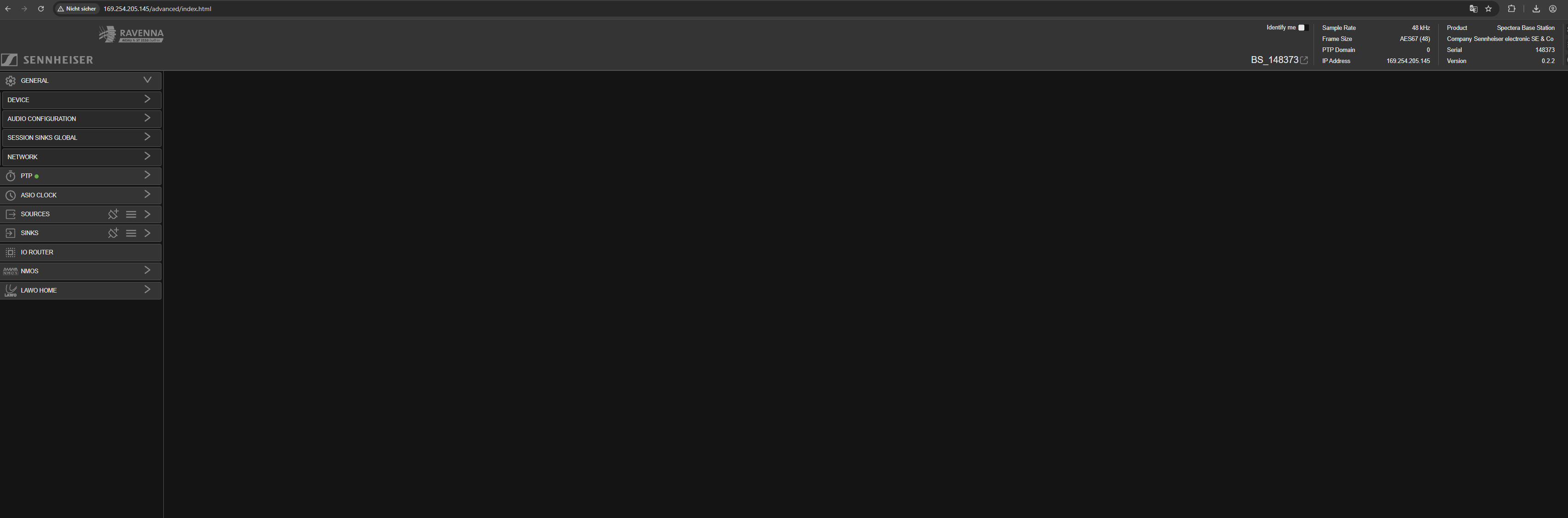
You can configure additional settings of the ZMAN module.