
Meaning of the status LEDs
The four LEDs display status information for the device as a whole or for one of the two or four microphone channels.
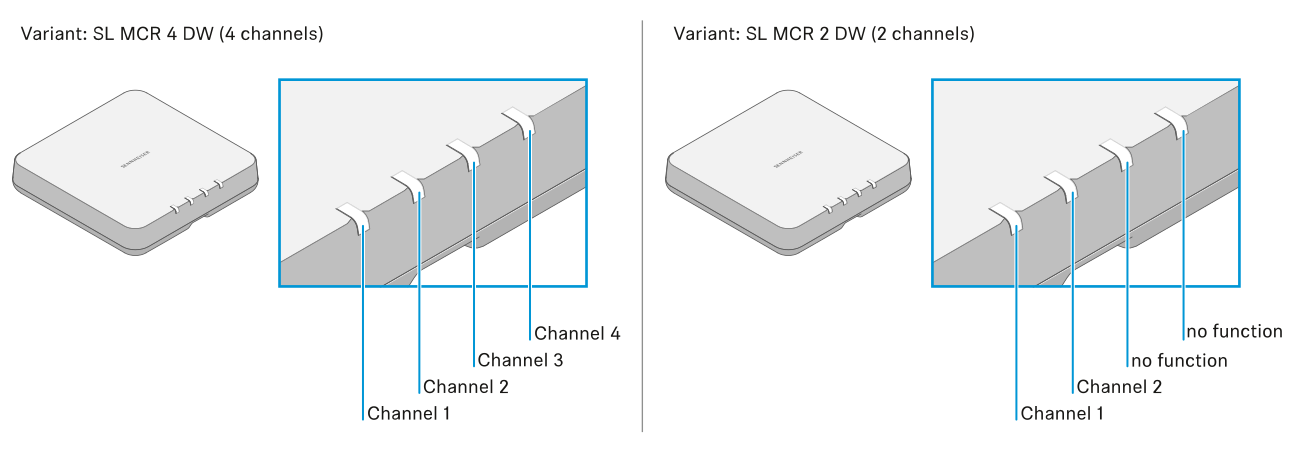
When the LEDs are displaying the status of the entire device and not the individual channels, all four LEDs (SL MCR 4 DW variant) or the first two LEDs (SL MCR 2 DW variant) will light up or flash.
The LEDs for each individual channel display status messages for the corresponding radio connection.
All LEDs
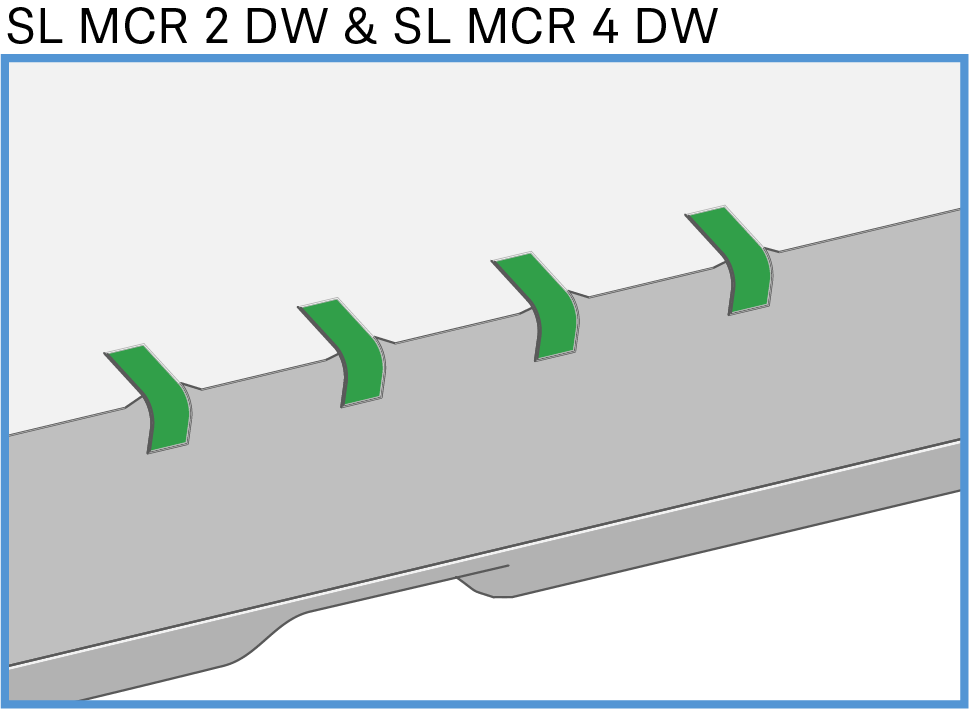
- After the power supply is switched on:
The device is starting (approx. 20 seconds). Afterwards the status information is displayed.
All four LEDs light up green during startup even with the two-channel variant SL MCR 2 DW.
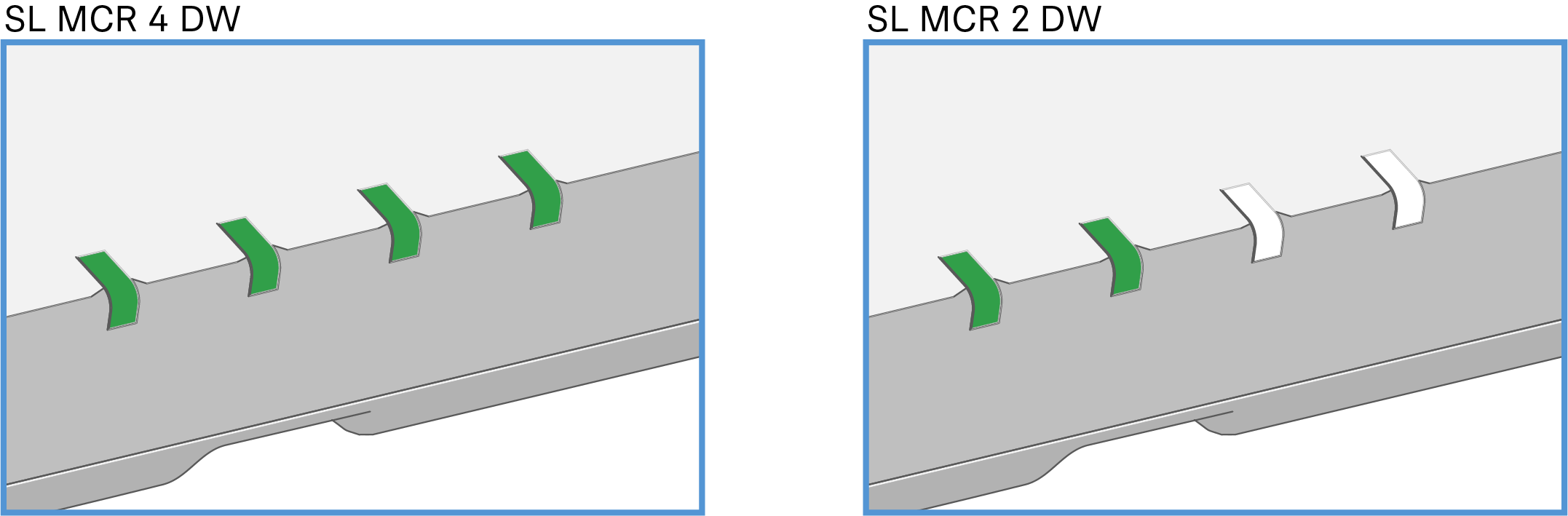
- During operation:
A radio link to the transmitters has been established for all channels.

- DThe Identify function for the entire device was initiated in the Control Cockpit.

- All received transmitters have been muted with the MUTE switch.


- There is no radio link to a transmitter for any of the channels.

- A device error has occurred. Details are shown in the Control Cockpit.
or
- An error occurred while updating the device firmware. Details are shown in the Control Cockpit.
A channel's LED
Is green |
A radio link to the transmitter is established. |
Is flashing green |
The Identify function for this channel was initiated in the Control Cockpit.
The LED of the received transmitter also flashes. |
Is yellow |
The received transmitter has been muted with the MUTE switch. |
Is flashing yellow |
The received transmitter is performing a firmware update. |
Is red |
No radio link to a transmitter. |
Is flashing red |
An error has occurred in this channel. Details are shown in the
Control Cockpit. or An error occurred while updating the transmitter firmware. Details are shown in the Control Cockpit. |
Flashes red and green in alternation |
Pairing mode is active for this channel. See Pairing |