
Setting the switching behavior of the microphone
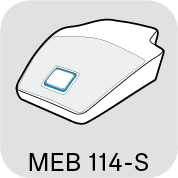
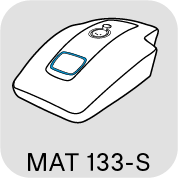
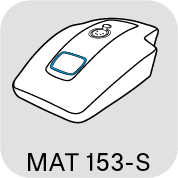
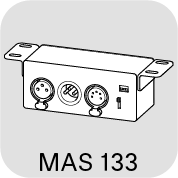
On the products shown here, you can set the switching behavior of the microphone directly using a slide switch.
Slide the switch to the desired position.
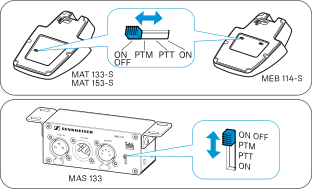
ON/OFF
 |
As soon as you press the microphone button, the microphone is:
|
PTM - Push to mute
 |
The microphone is active, the microphone button lights up green. As long as you keep the microphone button pressed, it lights up red and the microphone is muted. |
PTT - Push to talk
 |
The microphone is muted, the microphone button lights up red. As long as you keep the microphone button pressed, it lights up green and the microphone is activated. |
ON
 |
|