
Audio signal processing
This chapter will explain more about processing the audio signal.
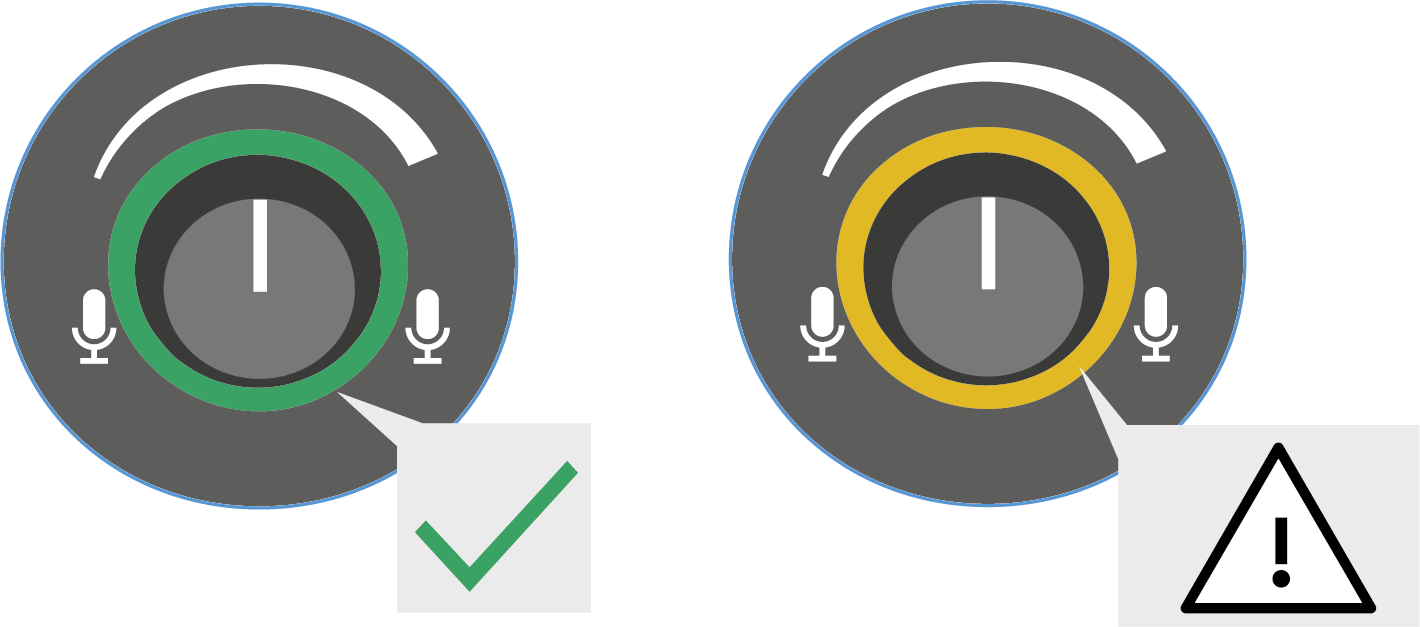
You can use the GAIN controller (see Microphone amplification (gain)) to increase or decrease the input level in order to achieve a "clean input signal." Depending on the strength of the incoming audio signal, the LED will be green or yellow.
Green: the signal is correctly amplified
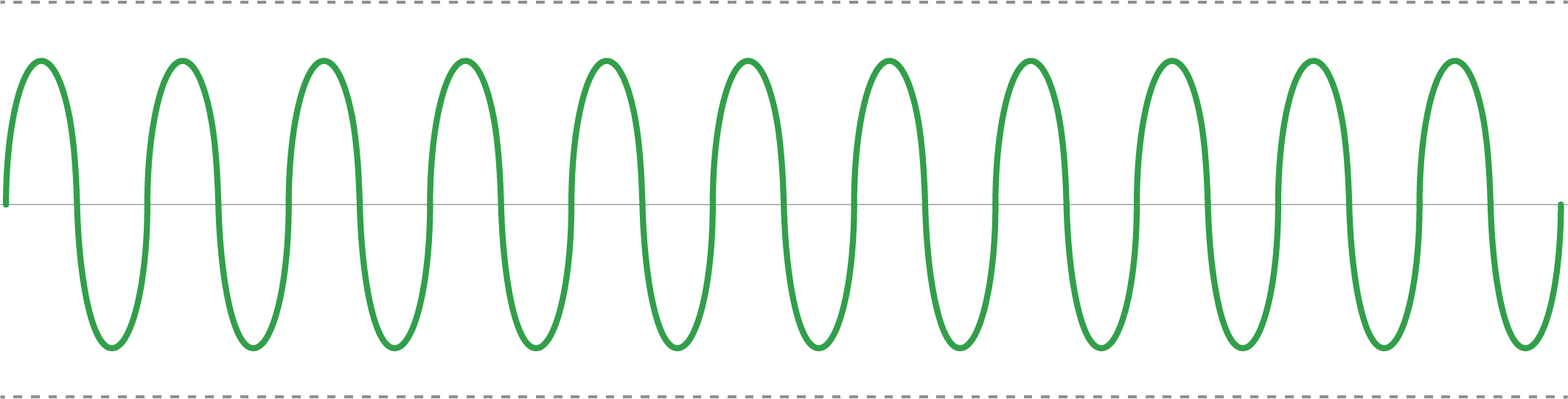
The incoming signals are within the system tolerance limits and can be amplified without problems. Even the highest peak levels remain within the tolerance range, which results in a clean input signal and high sound quality.
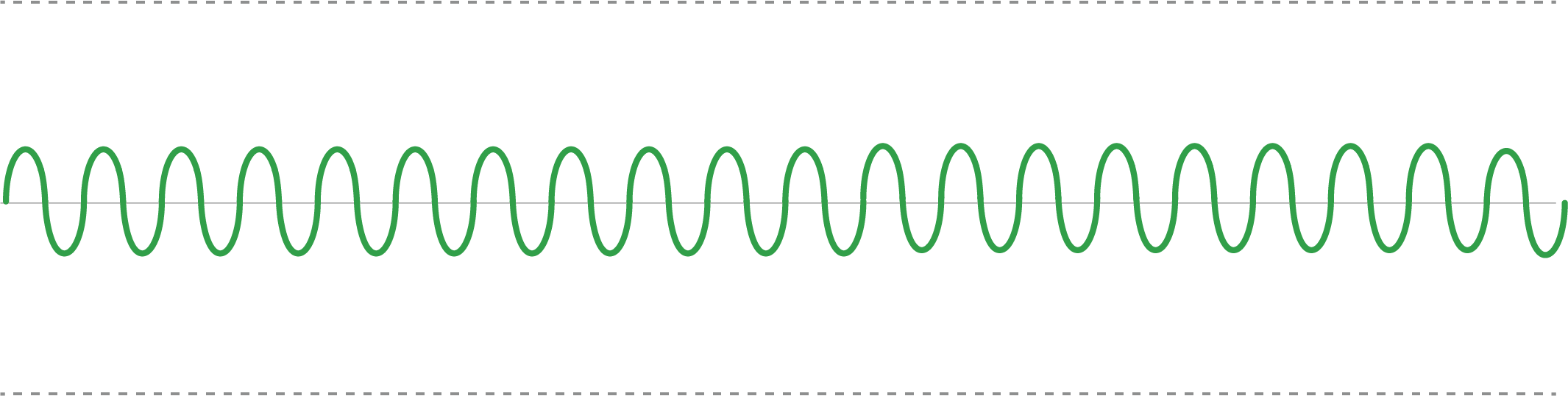
- Set the input level correctly before operation (see Adjusting the input level (gain)).
Yellow: the signal is overdriven
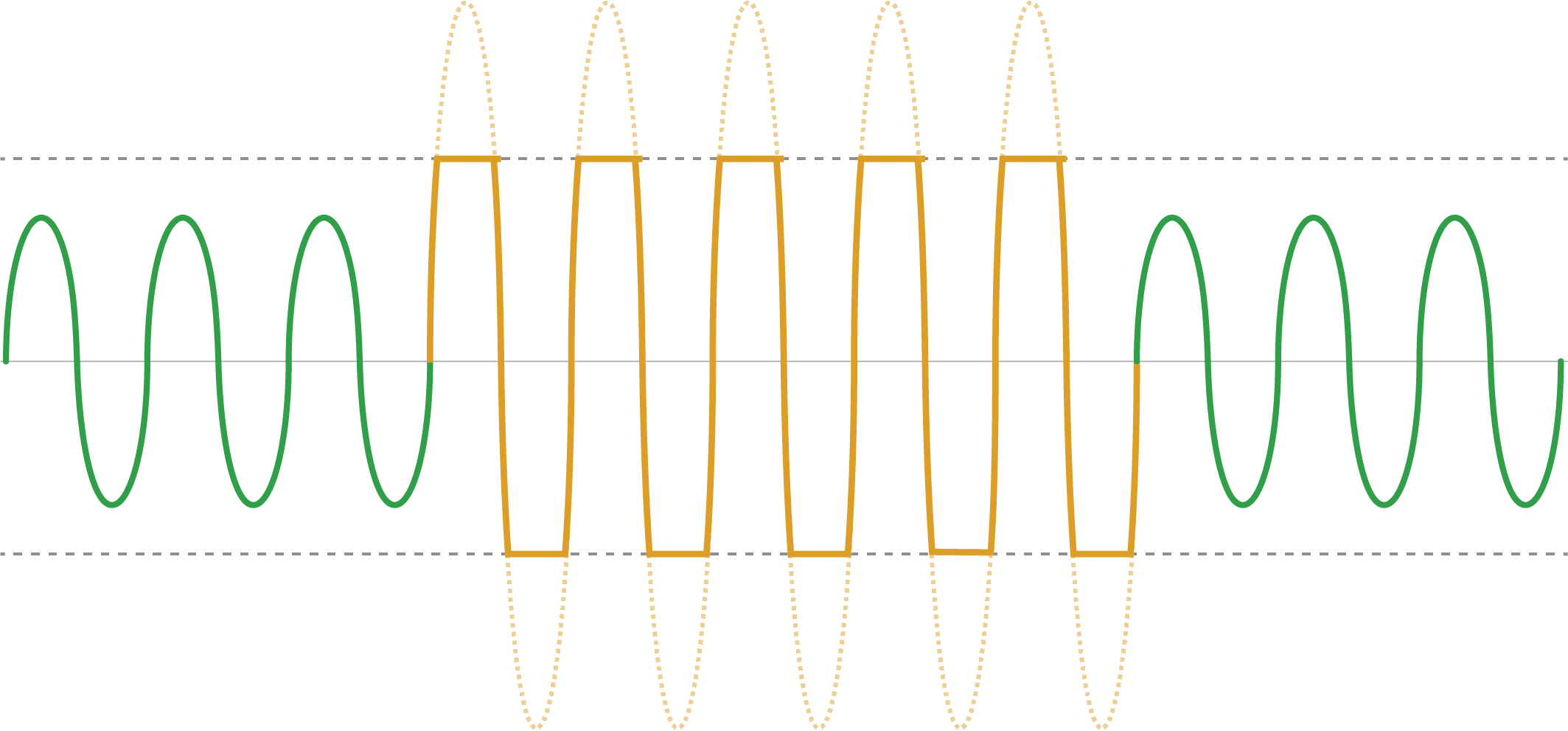
The incoming signals (yellow) go beyond the system tolerance limits, either in phases or constantly, resulting in an overdriven signal. Any peak levels that extend beyond the tolerance range are immediately attenuated to the highest possible peak level within the tolerance limits.
Possible effects:
The signal is artificially distorted, which can result in unpleasant noises, whistling or crackle.
Possible causes:
- The microphone amplification (GAIN) is set too high for the particular volume and/or chromatic range of the voice.
- The distance between the sound source and the microphone is too small, causing an excessively high audio input level.
- The microphone sensitivity is set too high in your device's operating system and must be reduced.
Corrective action:
- If necessary, turn down the GAIN control to reduce the microphone gain. You can find more information under Microphone amplification (gain).
- Ensure that the distance between the microphone and the point of speaking is between 5 and 15 cm.
- Check the GAIN LED to see if the incoming sound pressure level is overdriving the microphone.