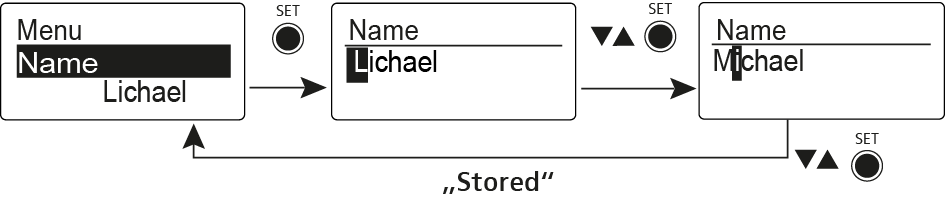
Name menu item In the Name menu item you can enter a name for the radio link. To open the Name menu item: On the home screen, press the SET button to open the operating menu. Press the UP or DOWN button until the Name menu item appears in the selection frame. Press the SET button to open the menu item. Adjust the settings as desired. Press the SET button to save the changes you made to the settings. OR Press the ON/OFF button to cancel the entry without saving the settings.