
Ch 1 / Ch 2 -> Sync Parameters menu item
In the Sync Parameters menu item, you can choose which settings for the transmitter you want to transfer from the receiver to the transmitter during the synchronization.
All of the settings can also be set separately in the menu on the transmitter. During synchronization, the values set in the transmitter are overwritten with the values set in the receiver.
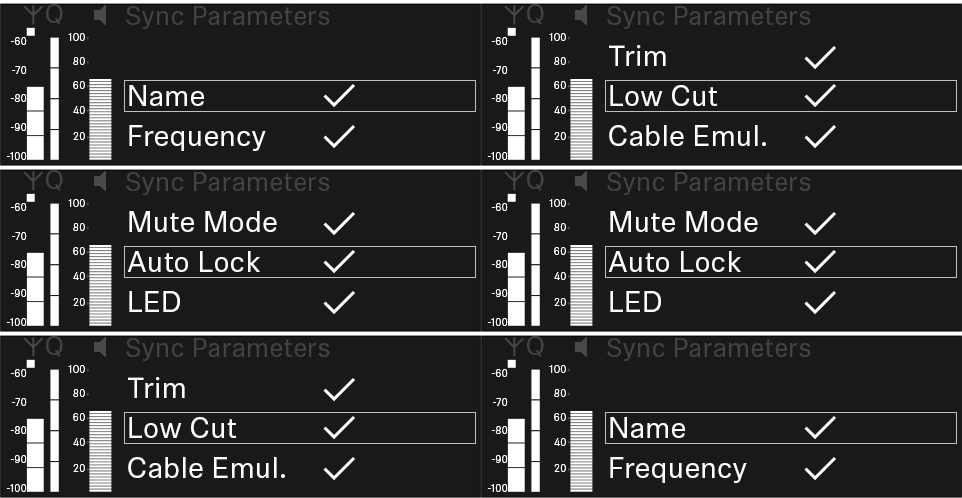
The following parameters can be enabled or disabled for transmission.
- Name
- Frequency
- Trim
- Low Cut
- Cable Emul.
- Mute Mode
- Auto Lock
- LED
To open the Sync Settings menu item:
-
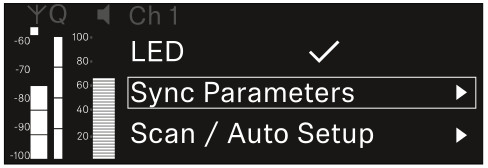
In the menu, navigate to the Sync Settings menu item for the desired channel.
-
Press the jog dial to open the menu.
The following view is displayed:
-
Press the jog dial to open your selected option.
-
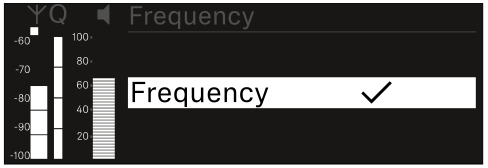
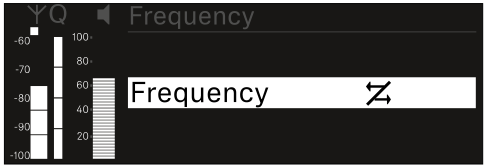
For each option, select whether it will be synchronized or not.

The value set for this function will be transferred during synchronization. 
The value set for this function will not be transferred during synchronization.