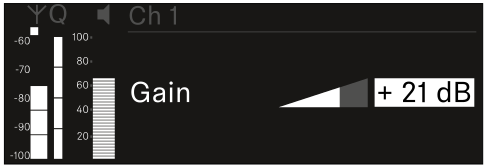
Ch 1 / Ch 2 -> Gain menu item
Under the Gain menu item, you can set the audio level of the audio signal coming from the received transmitter (e.g. vocals or speech via EW-DX SKM or guitar via EW-DX SK).
- Setting range: -3 dB to +42 dB in increments of 3 dB
To open the Gain menu item:
-
In the menu, navigate to the Gain menu item for the desired channel.
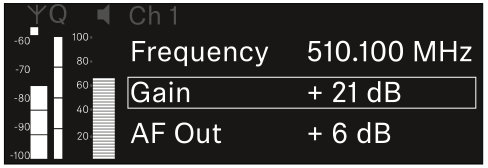
-
Press the jog dial to open the menu.
The following view is displayed: