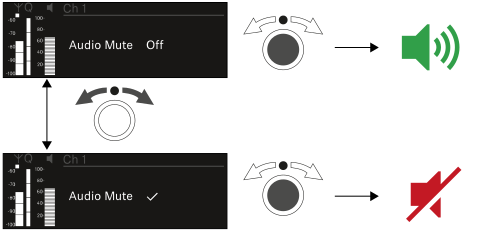
Channel 1

-
On the receiver’s home screen, press the CH 1 button.
The home screen for channel 1 appears.
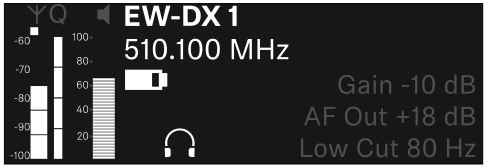
In addition to the status information displayed on the home screen, information about the channel’s audio settings is also displayed.
-
Turn the jog dial to the right to view more information about the received transmitter.
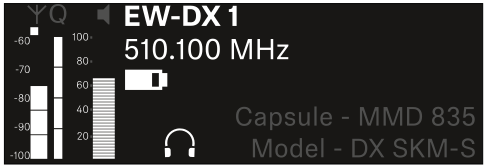
-
Turn the jog dial further to the right to mute or unmute the channel’s audio signal.