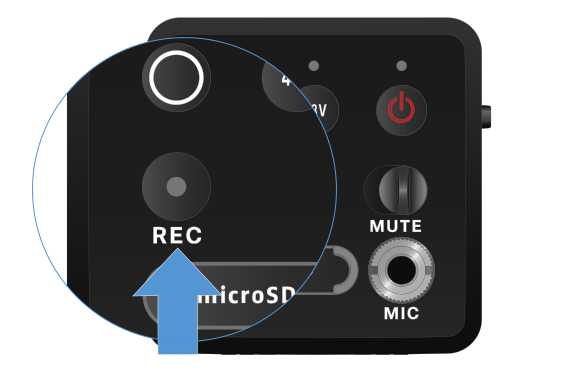
Due to the large 134 dB dynamic range of the EW-DP SKP, the *.wav audio file recorded on the microSD card is very quiet.
- It may therefore be necessary to “normalize” the recording file with an appropriate software tool before using it.
- We recommend increasing the audio level of the entire audio recording to the maximum peak within the recording file.
- Instructions on how to do this are usually provided by the manufacturers of these software tools (e.g. the free software “Audacity”).