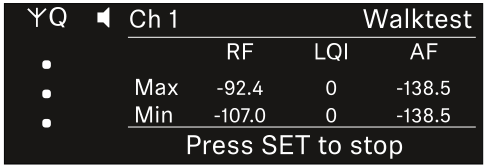
Ch 1 / Ch 2 -> Walktest menu item
The Walktest menu item allows the performance of a reception test.
Once you have set up and installed all of the receivers and transmitters for your event, we recommend performing a walk test. This lets you check whether sufficient reception strength is available throughout the entire area used.
Start the walktest function in this menu item and then walk the entire area with one transmitter. The results of the walk test give you information about the reception quality.
Opening the Walktest menu item
-
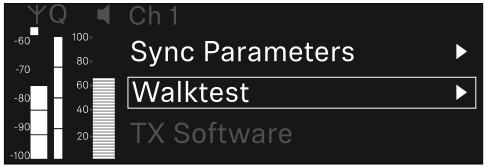
In the menu, navigate to the Walktest menu item for the desired channel.
-
Press the jog dial to open the menu.
The following view is displayed:
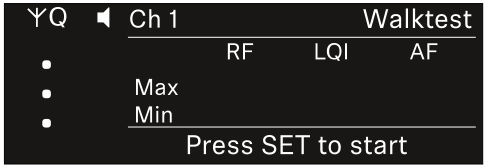
To start the reception test:
To end the reception test:
-
Press the Jog-Dial to finish the walk test when you are ready.