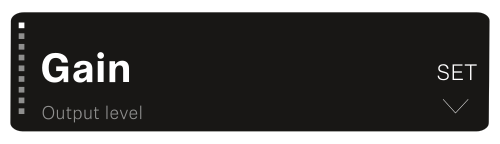
Opening the menu and navigating the menu items To open the main menu: Press the SET button. The first menu item GAIN flashes. To navigate the menu items: Press the UP and DOWN buttons. The currently active menu item appears in the display. To open a menu item: Navigate to the desired menu item until it flashes. Press the SET button to open the selected menu item.