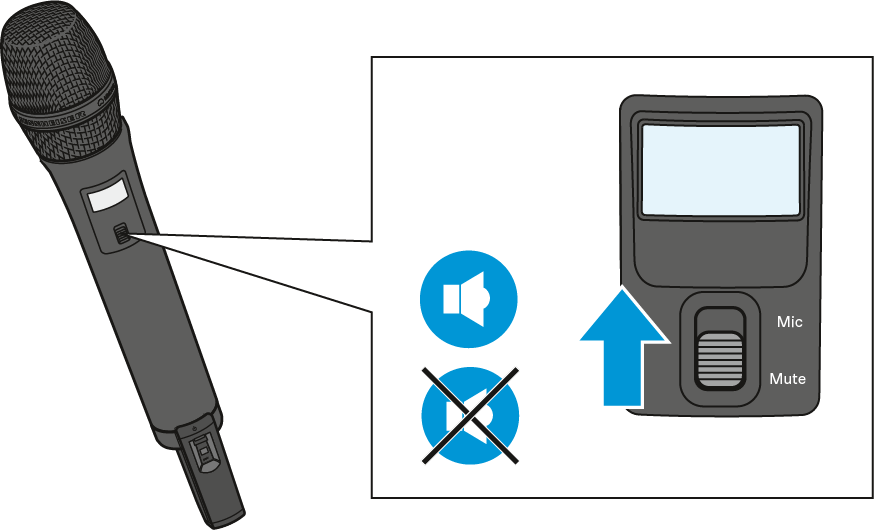
Muting the SKM-S AVX handheld transmitter
Both the bodypack transmitter and the SKM-S AVX handheld transmitter have a Mute switch that mutes the audio signal without switching the transmitter off.
The SKM AVX handheld transmitter has no Mute switch and can therefore not be muted.
-
Slide the Mute switch to the position Mute.
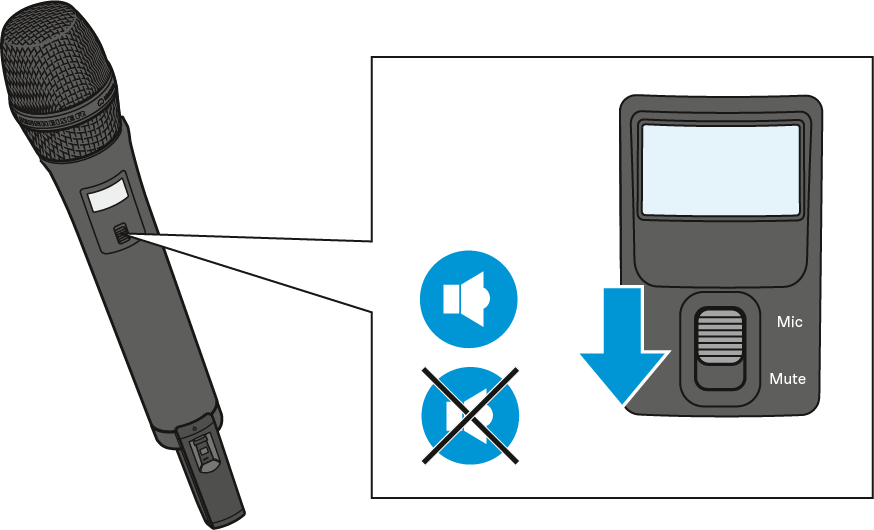
Muted appears on the
display panel of the transmitter.
appears on the
display panel of the transmitter. 
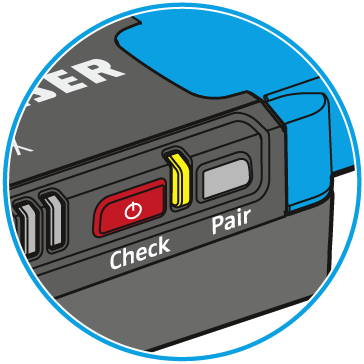
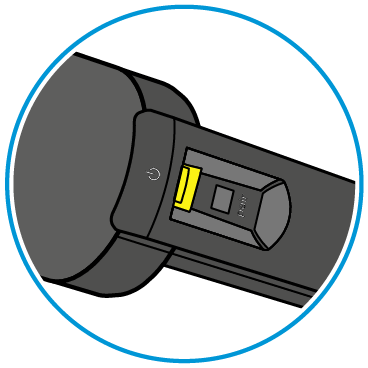
The status LED on both the transmitter and the paired receiver lights up yellow.
-
Slide the Mute switch to the position Mic to unmute the audio signal.