
启动 Bluetooth® 配对
可以使用 Bluetooth® 按钮启动配对过程。
注:
请注意,出厂设置下 Bluetooth® 处于停用状态。要与支持 Bluetooth® 的设备建立 Bluetooth® 连接,必须在 中启用 Bluetooth® 功能,然后启动配对过程(启用 Bluetooth®)。
有多种方式可以启动 Bluetooth® 配对过程:
- 通过
- 通过 TC Bar 上的初始化按钮
- 通过遥控器
要在 中启动 Bluetooth® 配对:
-
在 Bluetooth® 下,单击开关 Start。
蓝色 LED 闪烁。蓝牙配对已激活。设备处于配对模式,并且可以与具有蓝牙功能的设备连接。
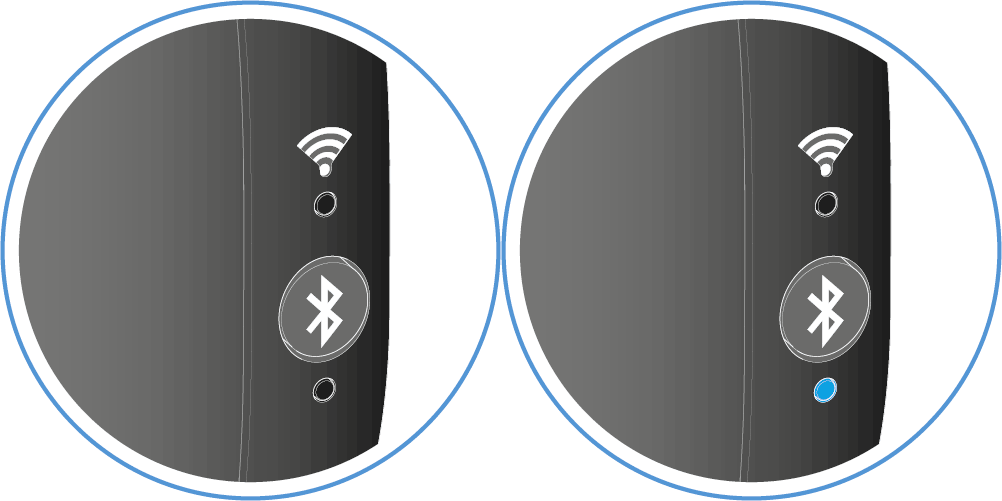
要通过 TC Bar 启动 Bluetooth® 配对:
要通过遥控器启动 Bluetooth® 配对:
-
按住遥控器上的 Bluetooth® 配对按钮至少三秒钟。
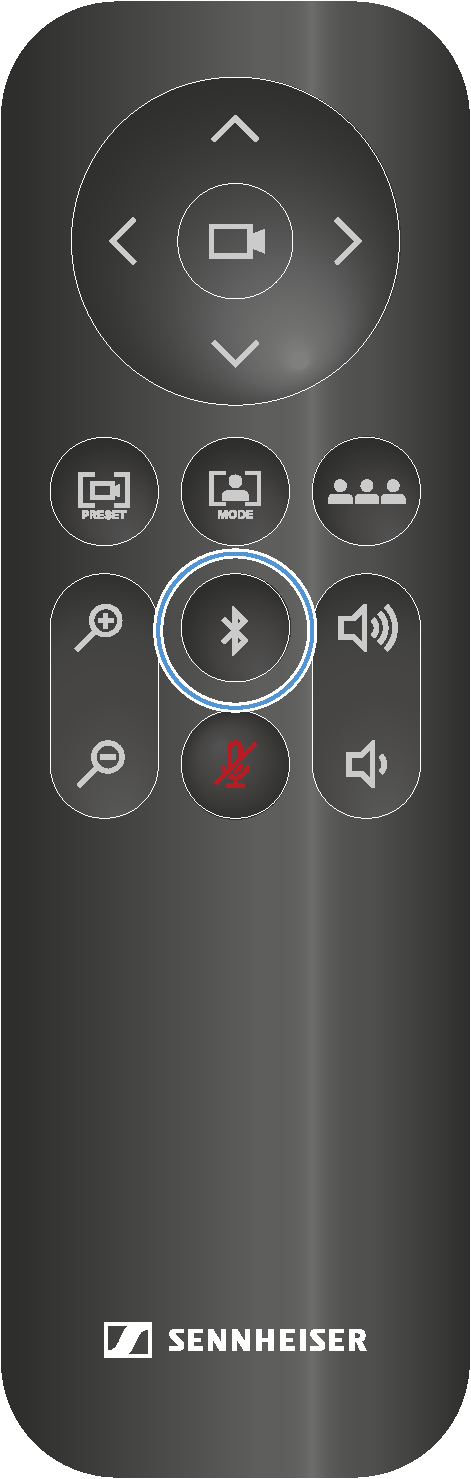
蓝色 LED 闪烁。蓝牙配对已激活。设备处于配对模式,并且可以与具有蓝牙功能的设备连接。