
启动 Bluetooth® 配对
通过 Bluetooth® 按钮可以启动配对过程。
请注意,Bluetooth® 在交付状态下已停用。为了与具有 Bluetooth® 功能的设备建立 Bluetooth® 连接,必须在 Control
Cockpit 中激活 Bluetooth® 功能,然后启动配对过程 (激活 Bluetooth®)。
您可以通过多种方式启动 Bluetooth® 配对过程:
- 通过 Sennheiser Control Cockpit 软件
- 通过 TC Bar 上的初始化按钮
- 通过遥控器
为了通过 Sennheiser Control Cockpit 软件启动 Bluetooth® 配对:
-
在Bluetooth® 下点击启动开关。
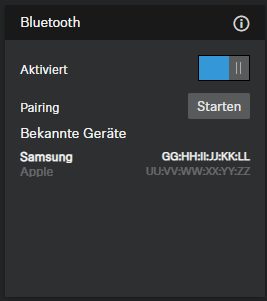
蓝色 LED 闪烁。蓝牙配对已激活。设备处于配对模式,并且可以与具有蓝牙功能的设备连接。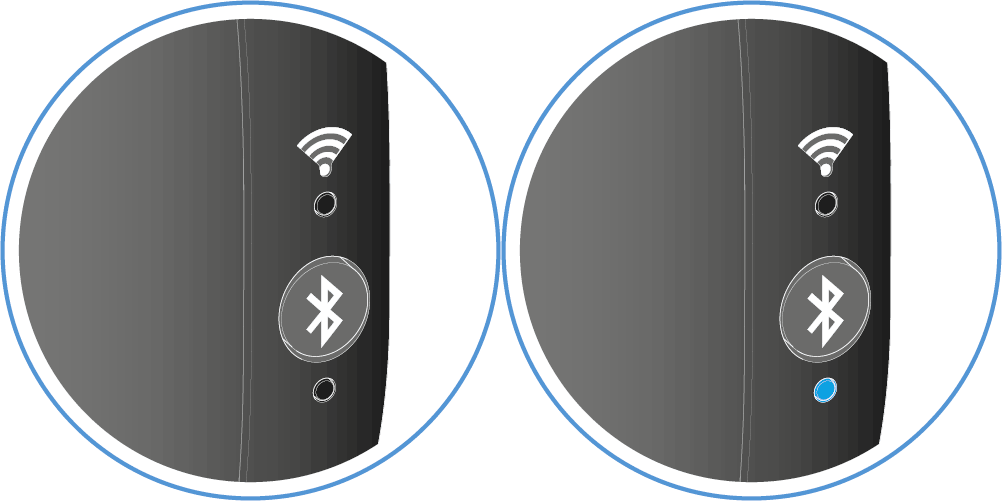
为了通过 TC Bar 启动 Bluetooth® 配对:
为了通过遥控器启动 Bluetooth® 配对:
-
在遥控器上长按 Bluetooth® 配对按钮至少三秒。
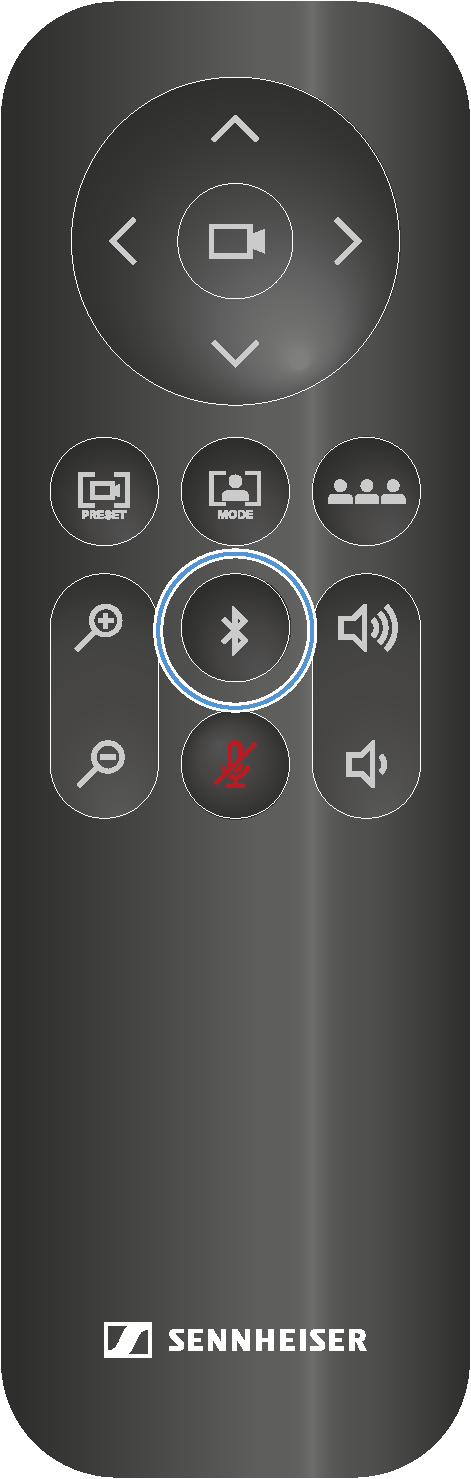
蓝色 LED 闪烁。蓝牙配对已激活。设备处于配对模式,并且可以与具有蓝牙功能的设备连接。