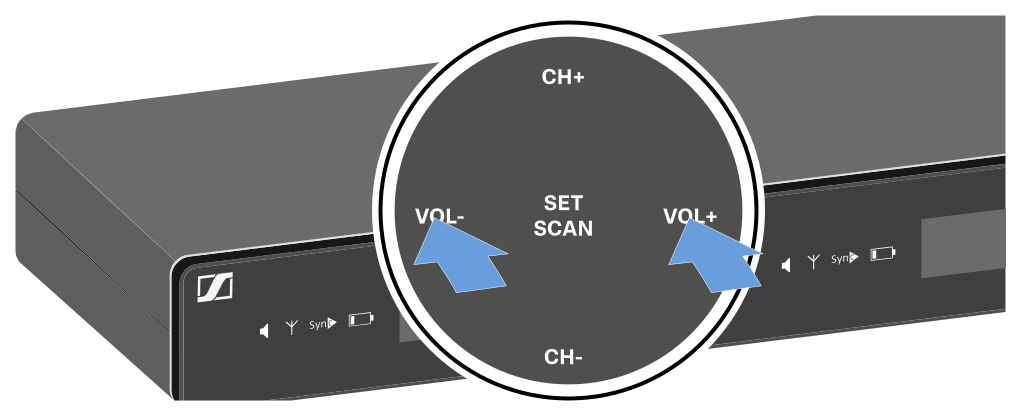
Setting options on the front of the device
Navigation buttons
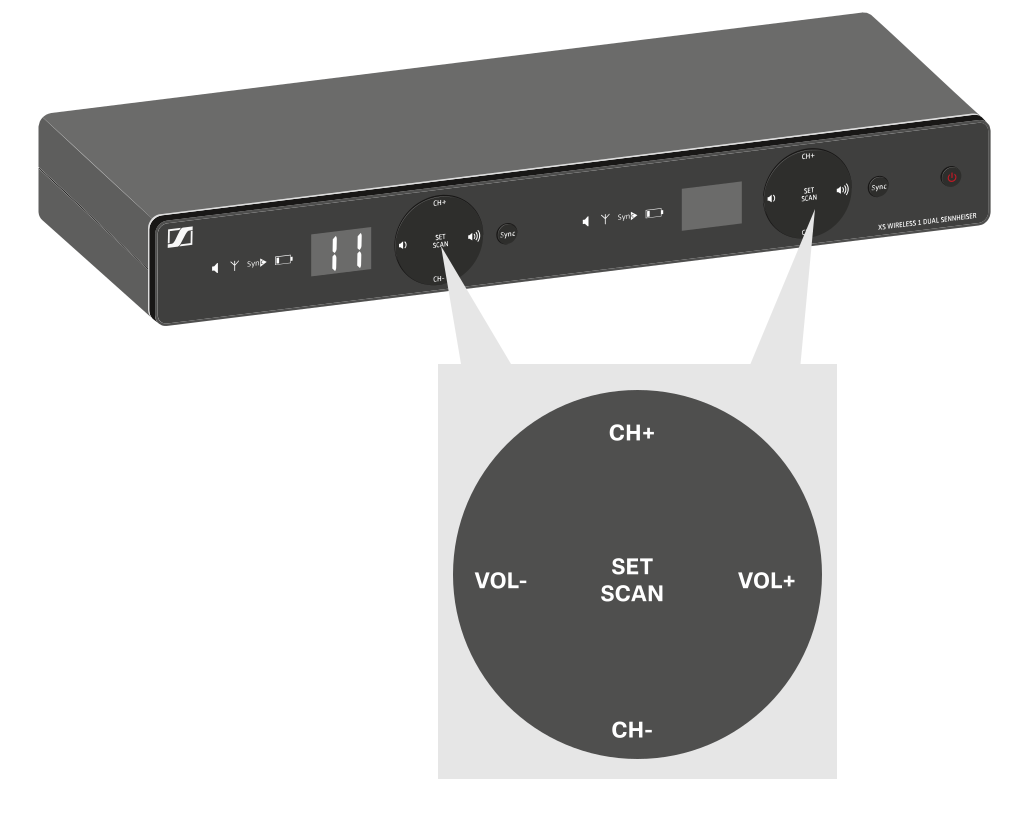
Setting the frequency automatically (AUTO SCAN)
Performs an automatic frequency scan of your area. This enables you to easily find and assign free radio frequencies.
-
Press the SET/SCAN button for approx. 3 seconds.
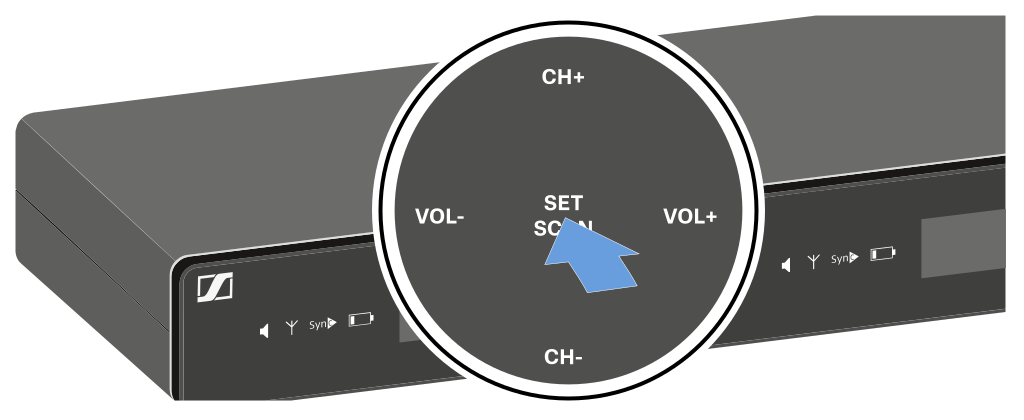
The scan starts automatically. An open channel is then shown in the display (e.g. bank 2, channel 3).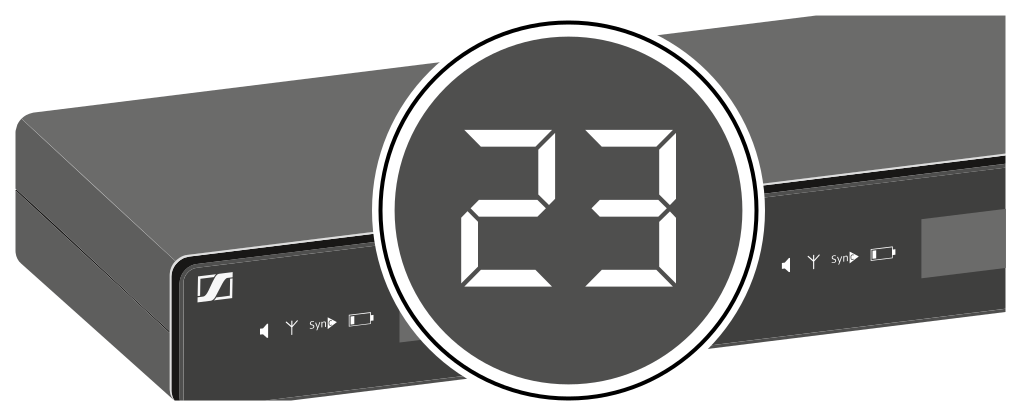
Setting the frequency manually
-
Press the SET/SCAN button.
-
Press the CH+/CH- buttons to select a frequency bank (1 to 8).
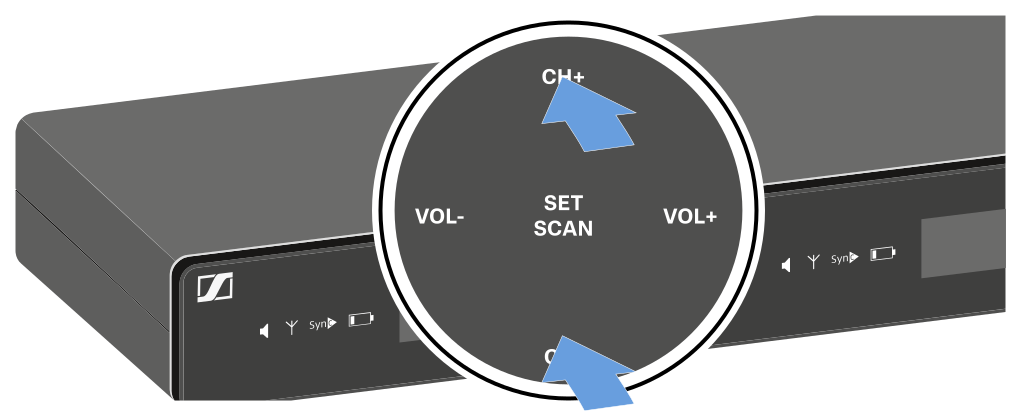
-
Press the CH+/CH- buttons to select a channel (0 to 9) in the
selected frequency bank.
The selected bank and channel are shown in the display (e.g. bank 2, channel 3).
Adjusting the volume of the audio outputs
Use the VOL+/VOL- buttons to set the level of the audio signal coming from the receiver’s audio outputs (Balanced/Unbalanced). This audio signal can be output to a mixing console or an amplifier, for example.
-
Press the VOL+/VOL- buttons to adjust the volume.