Authentication during operation
Authentication is required to use the device with another client or re-assign it to a different device. This typically occurs if the device was previously used by another client.
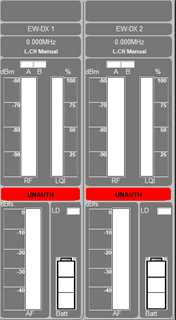
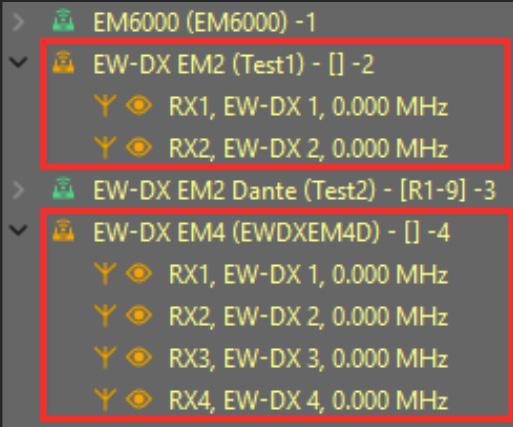
In such cases, the device’s channels will be marked as unauthenticated, and the device will appear in orange in the device list.
To authenticate the device during operation:
-
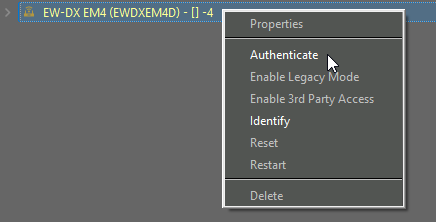
Right-click on the unauthenticated device and select Authenticate.
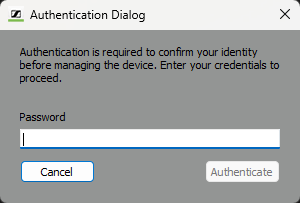
A new password window appears.