
Enhanced audio and video coverage
The TC Bar is an audio and video conference system that can be used not only as an independent stand-alone solution but also as a unit in a networked system via the Sennheiser control application.
If there is insufficient audio coverage of the participants in a room, the miking can be enhanced by using additional Sennheiser devices that are connected to the TC Bar. Doing so creates a custom audio network structure that is adapted to the environment in question.
Enhanced microphones (e.g., TeamConnect Ceiling Medium or SpeechLine Multi-Channel Receiver) can be directly connected to the TC Bar M and supplied with power through the integrated Dante® interface.
Enhancement with the TeamConnect Ceiling Medium (TCC M)
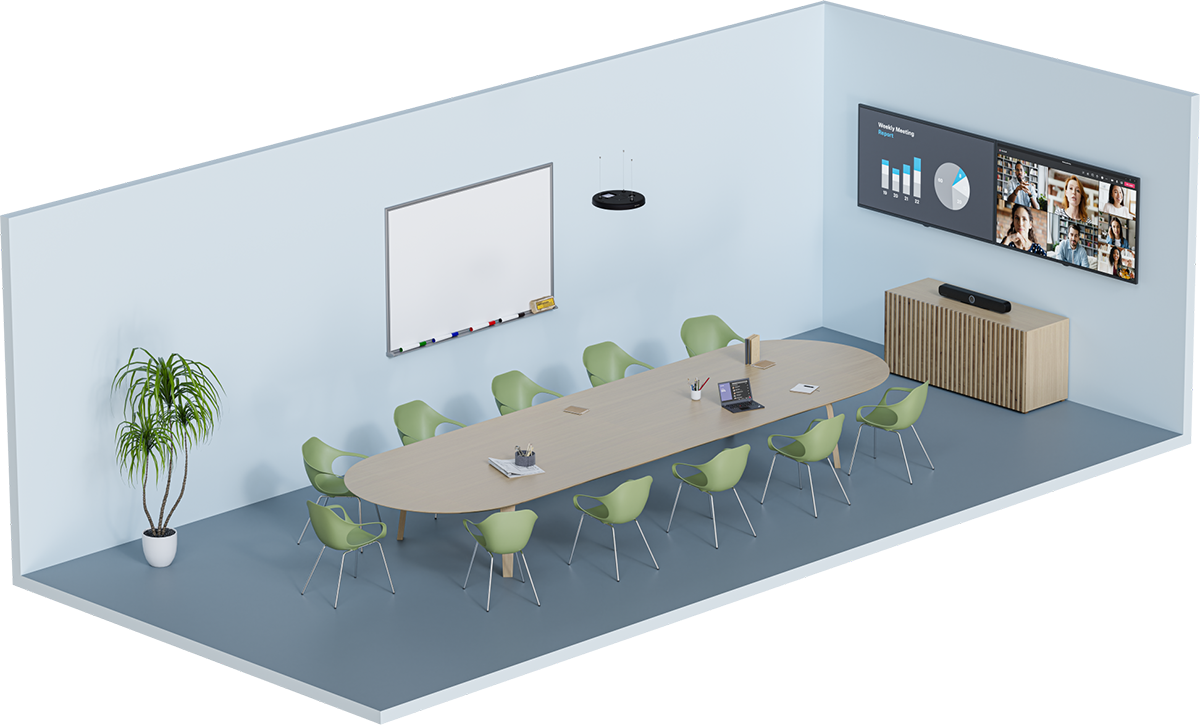
TeamConnect Ceiling Medium can extend the range of the audio recording up to an area of 32 m² (344 ft²). It can be seamlessly integrated into the existing meeting room and does not require any cabling on the tables. The connected devices are configured centrally using the Sennheiser control application. It is possible to adapt different configurations for audio, device, zone, and network settings manually and customize them for a connected audio system.
You can find additional information about the product TeamConnect Ceiling Medium here: sennheiser.com/teamconnect.
Enhancement with the SL Boundary microphone (114-S DW)
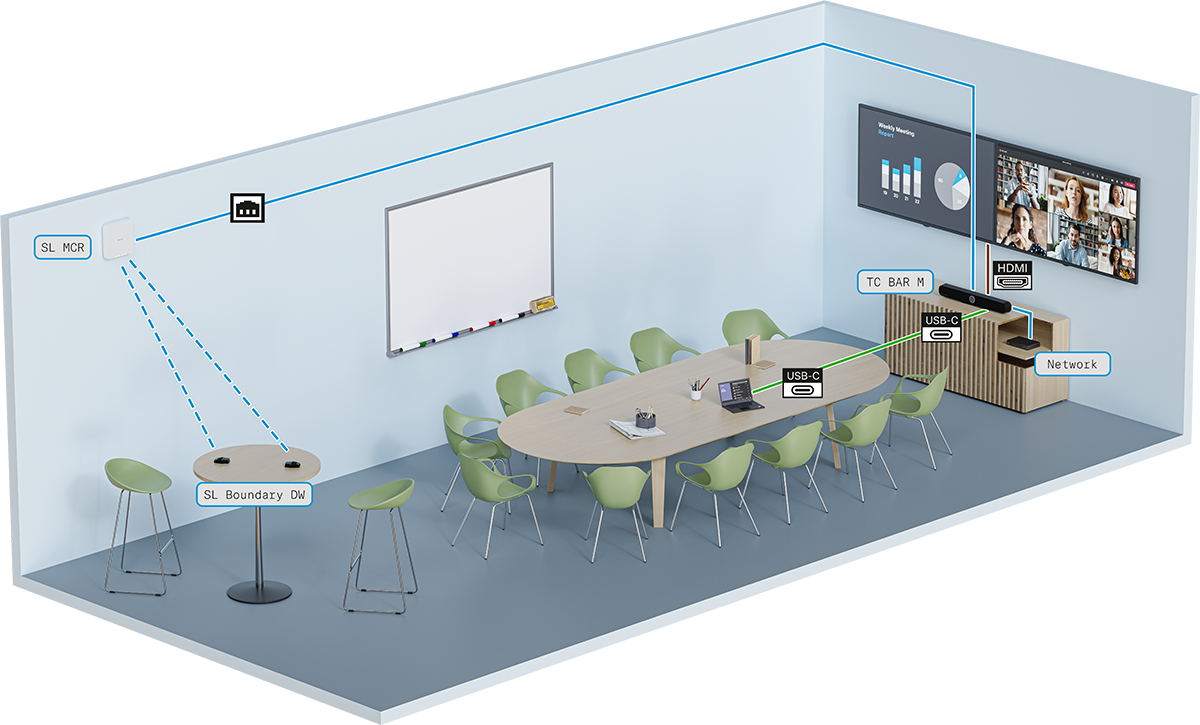
In conference rooms with flexible interiors, audio coverage can be easily achieved with the SL Boundary 114-S DW microphones. The participants, who are distributed among different locations in the room, enjoy flexibility with full microphone coverage. The SL Boundary 114-S DW microphone can be operated with an SL Rack Receiver DW or a SpeechLine Multi-Channel Receiver. The microphone is optimized for speech transmission in conference rooms and provides extremely flexible usage options, since it has no cables at all. You can find more information about the product SL Boundary 114-S DW here: SL Boundary 114-S DW.
Enhancement with the SL Handheld DW microphone
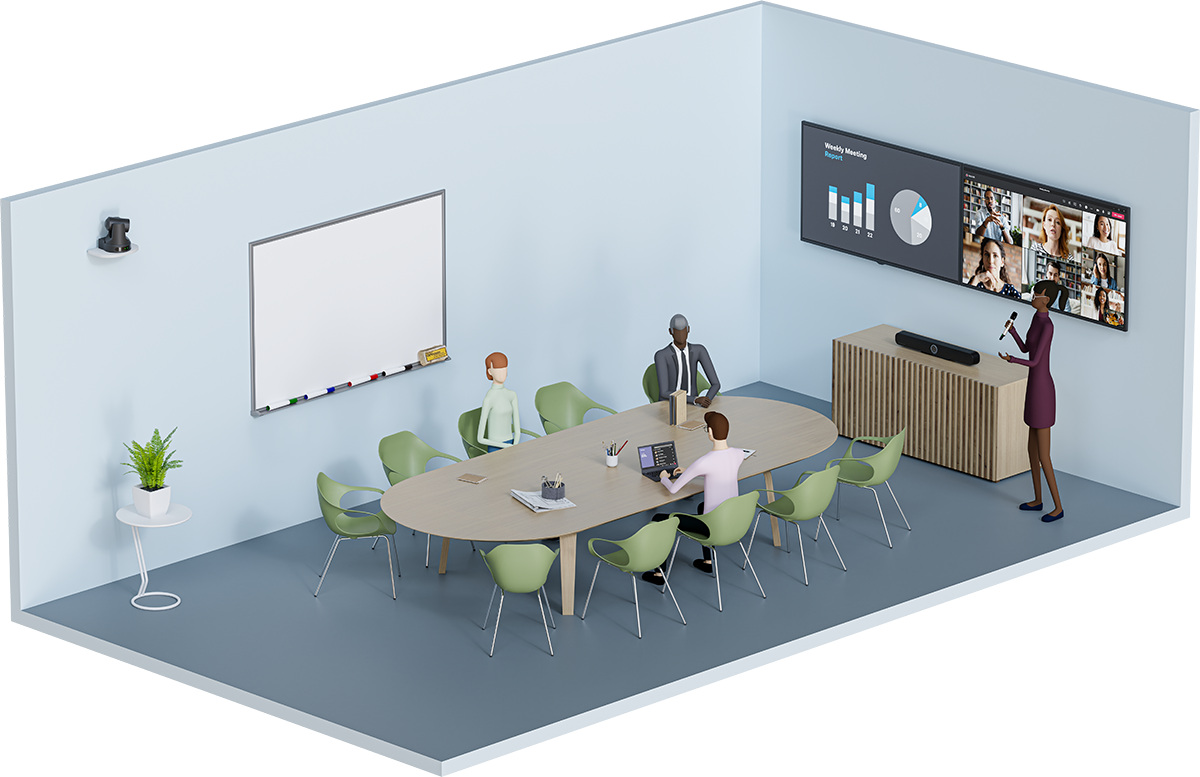
During conferences with a moderator, the best way to set up the transmission is using an SL Handheld DW microphone. That way, the focus is always on the speaker, who can move freely in the room. The slim but robust SL Handheld DW is optimized for speaking during presentations, when every word counts.
The SL Handheld DW transmits the moderator’s speech to an SL DW Rack Receiver or an SL DW Multi-Channel Receiver that is connected to the TC Bar.
You can find more information about the product SL Handheld DW here: SpeechLine Wireless
Enhancement with MobileConnect
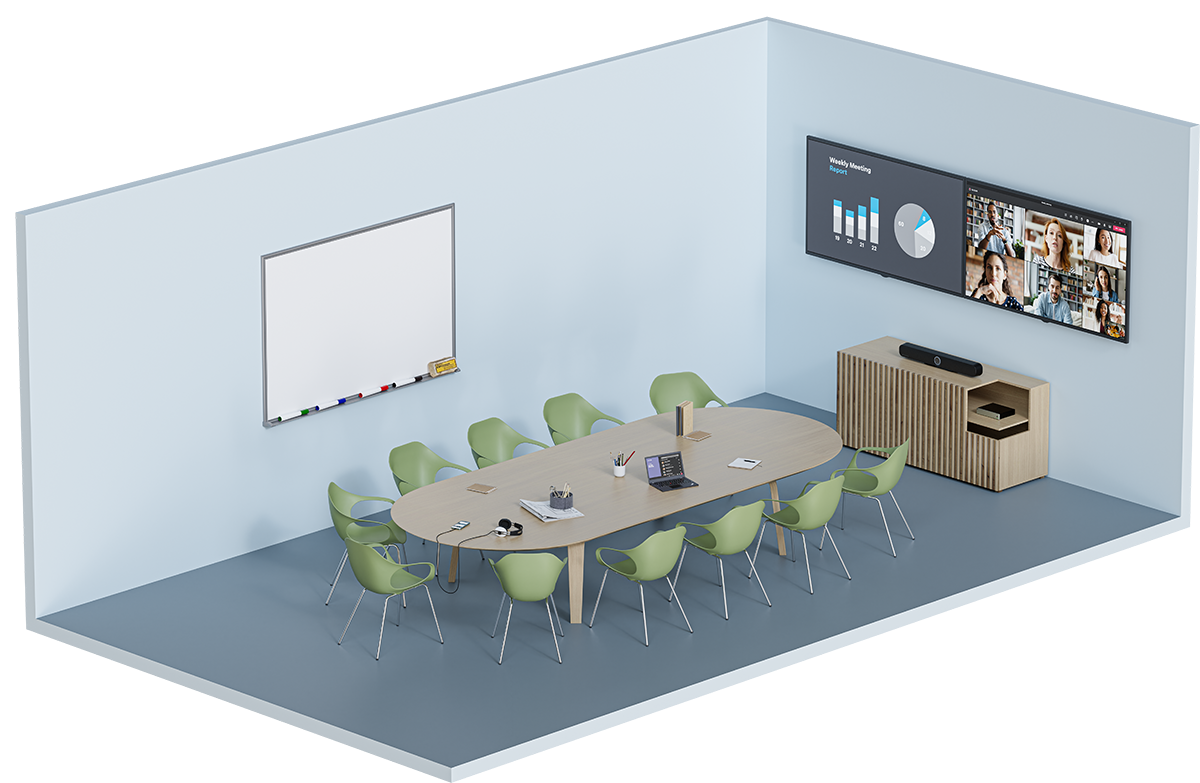
With MobileConnect, every user can join the audio stream using an access code and use their own device to participate in a meeting. Regardless of where the participants are in the room, they experience high-quality audio support from Unicast audio stream and can participate in the discussion through bidirectional communication via a built-in microphone on the mobile device they are using.
Transmission takes place via a MobileConnect station that is connected to the TC Bar. The MobileConnect station provides an audio streaming service with its own access for mobile devices and transmits the signals to the connected TC Bar during conferences.
You can find more information about the product SL Handheld DW here: MobileConnect
Enhanced video coverage with a USB camera
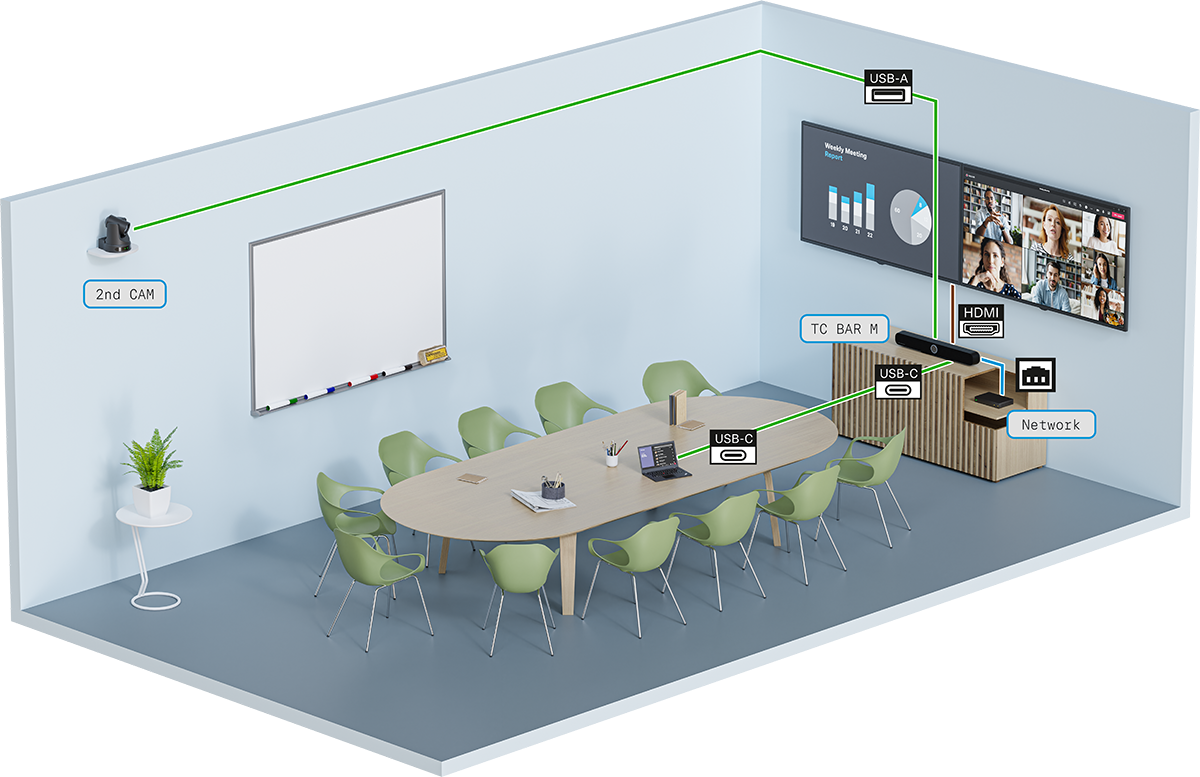
An additional USB camera can be added to extend the camera view of the TC Bar to record all conference participants from their different perspectives in a room.