Managing the AFTRCC e-key for 1G4 in the US only
Configure your Spectera system to use an e-key for compliant operation.
Prerequisites
- Spectera Base Station
- DAD 1G4
- SEK 1G4
- Laptop
- Internet connection
- Bootstrapped and activated Spectera system
- Spectera US license (Zone 02)
To set up the basics:
-
Log in to the WebUI.
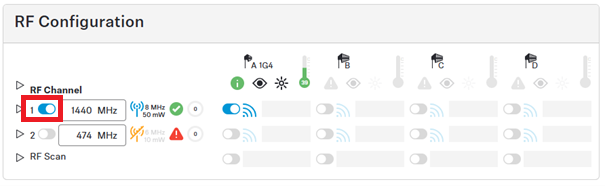
You can see one 1G4 antenna connected, but it cannot be enabled (indicated by a red triangle).
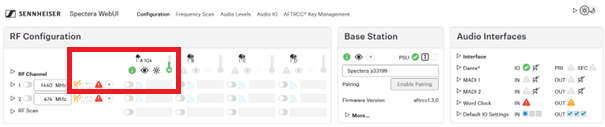
To open the AFTRCC key management:
-
Open the AFTRCC Key Management tab at the top.
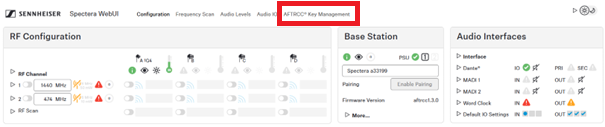
This tab is only availabe with a licence zone 02 in the USA. -
Click on Import and select the e-key from your file system.

A red triangle shows information about why it is not working.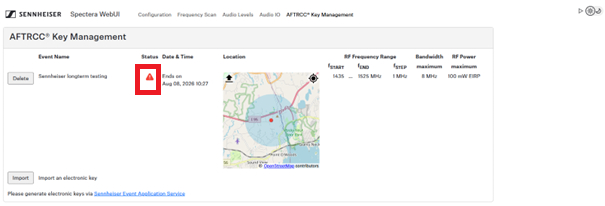
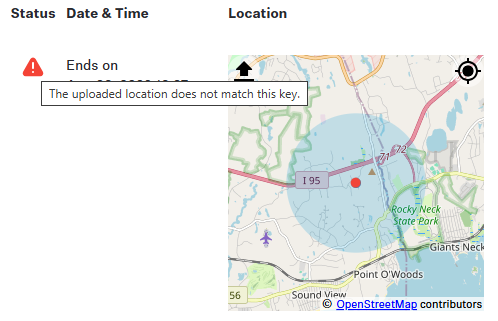
To update and upload the location:
-
Press the localization icon in the map.
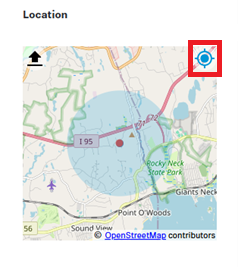
-
If the system asks for access to the location service, grant it.
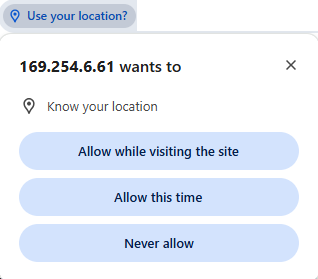
Sometimes the browser localization needs some time after granting access to location service. You can press the localization icon again to improve accuracy. -
Upload your location by pressing the upload button in the map.
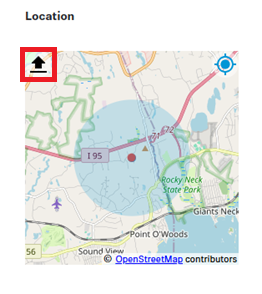
-
Click the confirmation button. You hereby confirm, that the current shown location is correct.
The status changes to green, if all the necessary prerequisites are met (time, date and location).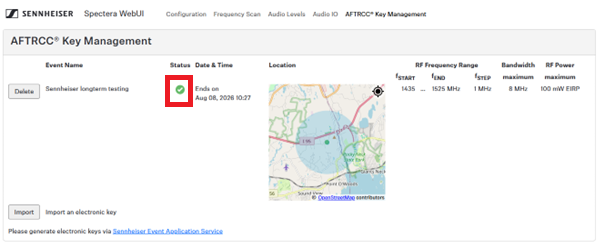
To configure and enable the RF channel:
-
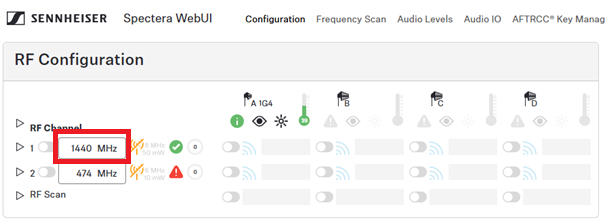
Configure the frequency of the RF channel to one valid frequency as defined in the
e-key.
-
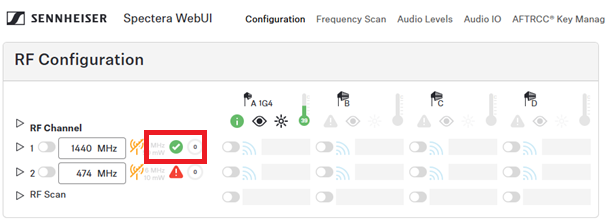
Check if the RF channel can be used as configured.
-
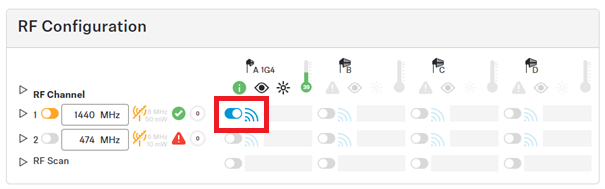
Enable the antenna.
-
Enable the RF channel.