Sign in (Sennheiser)
You can sign in with an existing Sennheiser account.
To sign in:
-
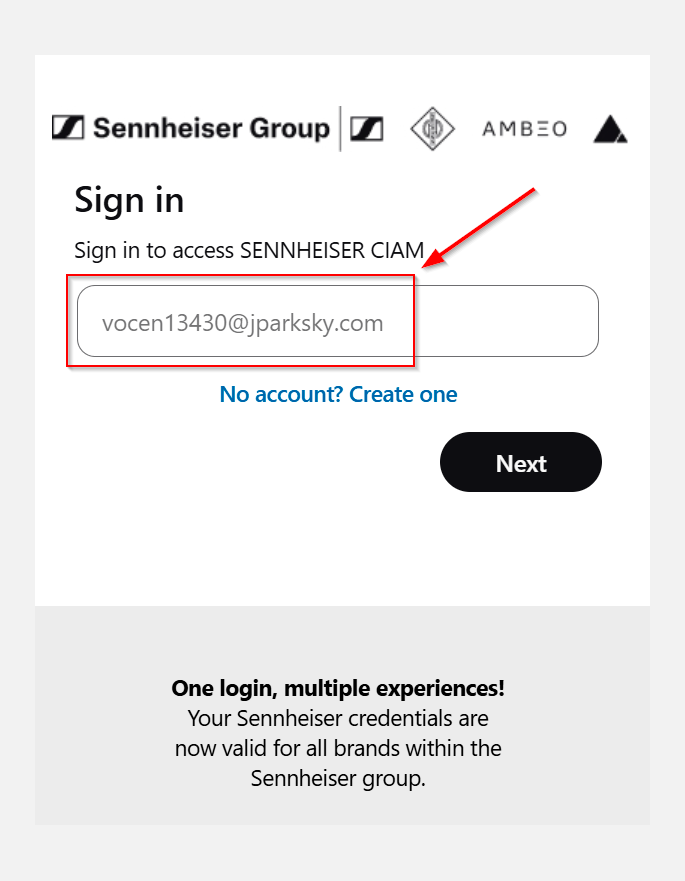
Enter your email address in the text box.
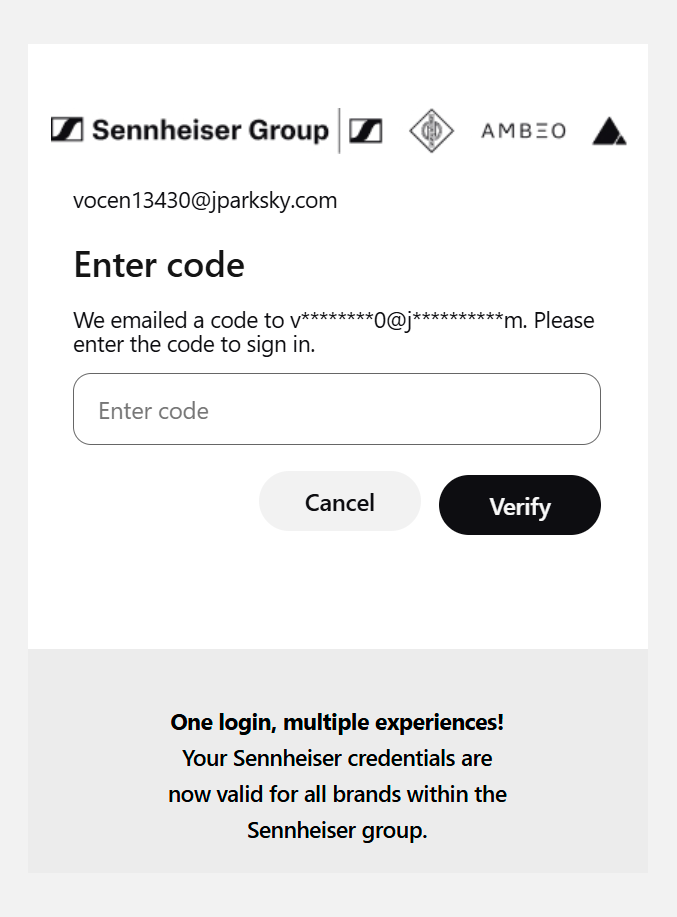
If you can’t remember your password, click the link Forgot password?In some cases, you will also be asked for a One‑Time Pass code (OTP). If this happens, you will see the following screen: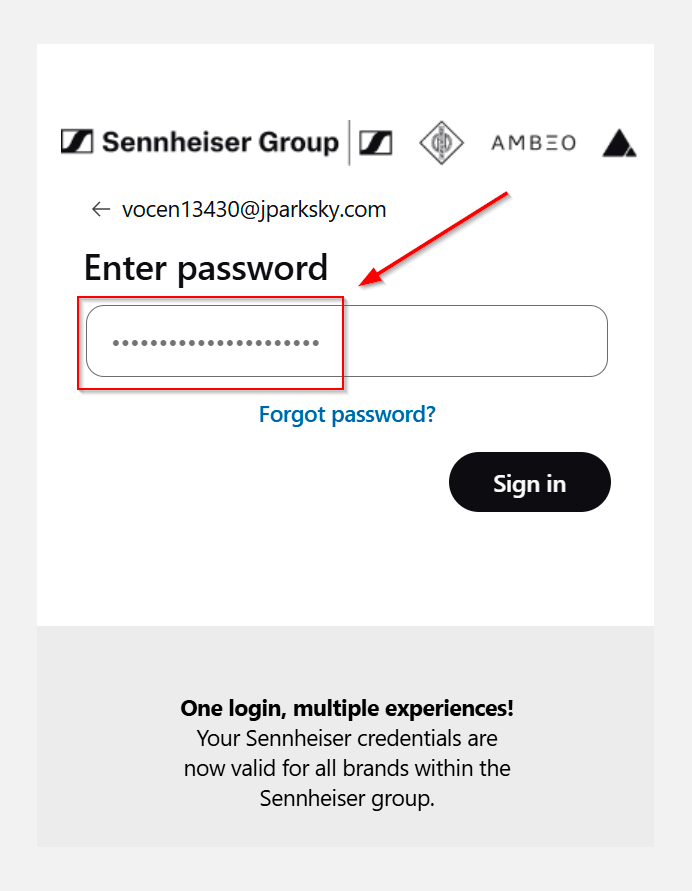
. -
Enter the OTP code that is sent to your email for verification.
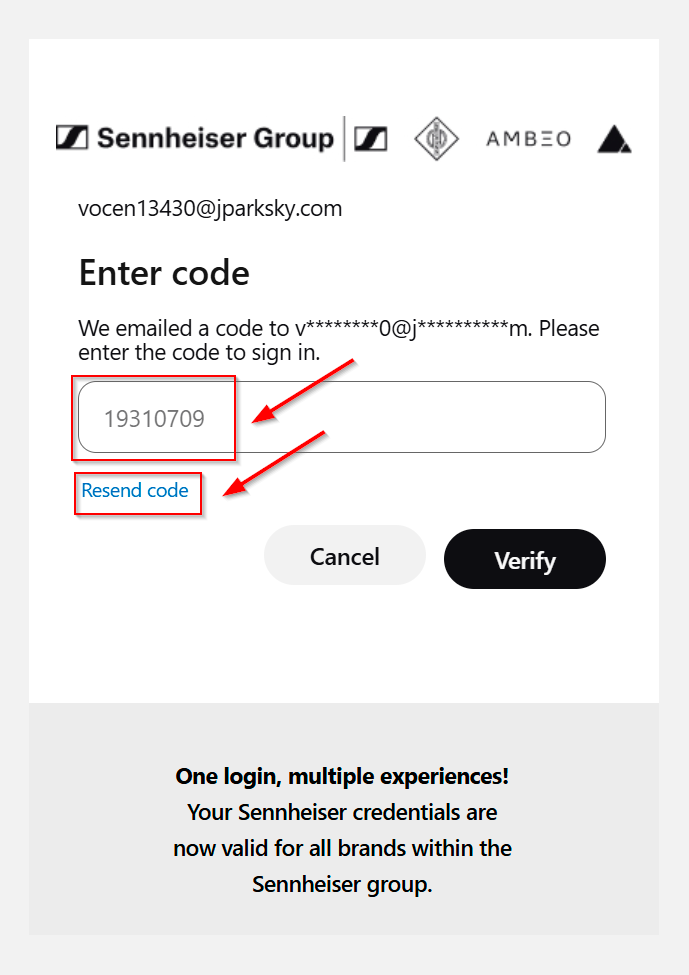
If retrieving the OTP code from your email takes longer than expected, you will see a prompt to request a new code. Click the link Resend code and wait for the new OTP email to arrive in your mailbox.