
Updating the firmware of the charger
You can update the charger firmware using the Sennheiser Control Cockpit software.
Note on firmware version 4.0.0
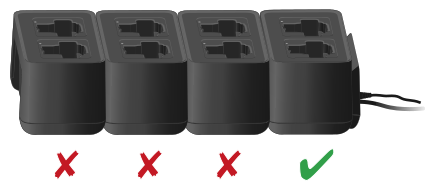
Devices with outdated firmware can no longer be reached in a cascade if the first charger has the new firmware.
- Disconnect the chargers from the cascade.
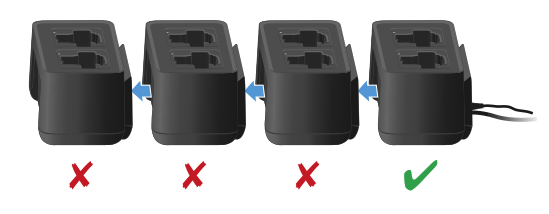
- Update the firmware of each charger individually.
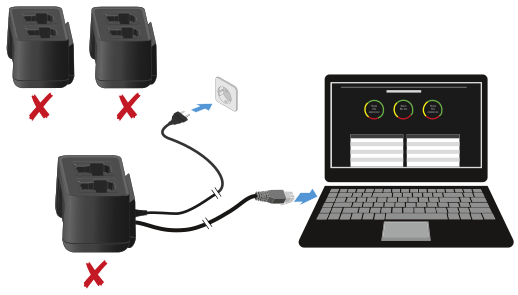
- Connect the chargers.
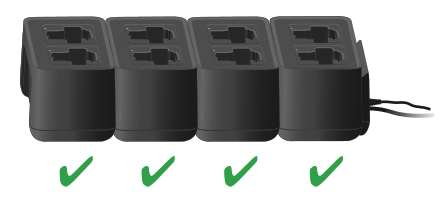
Updating with the Sennheiser Control Cockpit:
Connect the charger to a network (see Connecting a charger in a network)
and establish the connection with the software.
For more information about controlling devices with the Sennheiser
Control Cockpit software, refer to the software help.
You can download the software here: