Operation
Holding the microphone
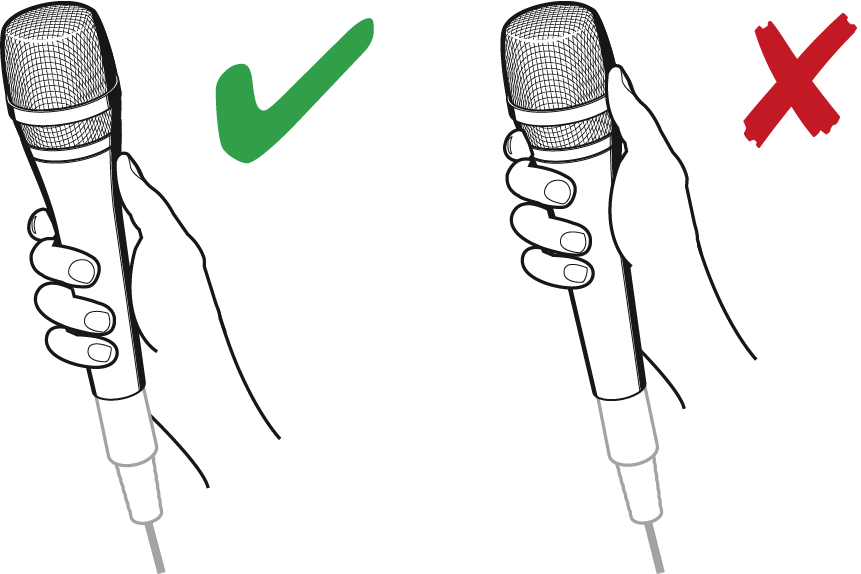
If you cover the microphone head during transmission, this will change the pick-up pattern of the microphone and consequently the sound.
-
Only hold the microphone by its body.
Positioning the microphone
-
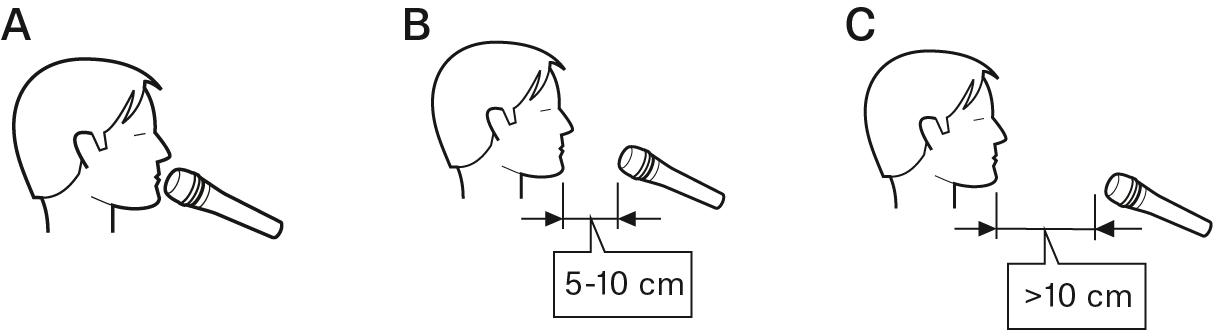
If sibilance occurs: Position the microphone slightly to the side and not directly in front of the mouth.
Positioning the monitor loudspeakers
-
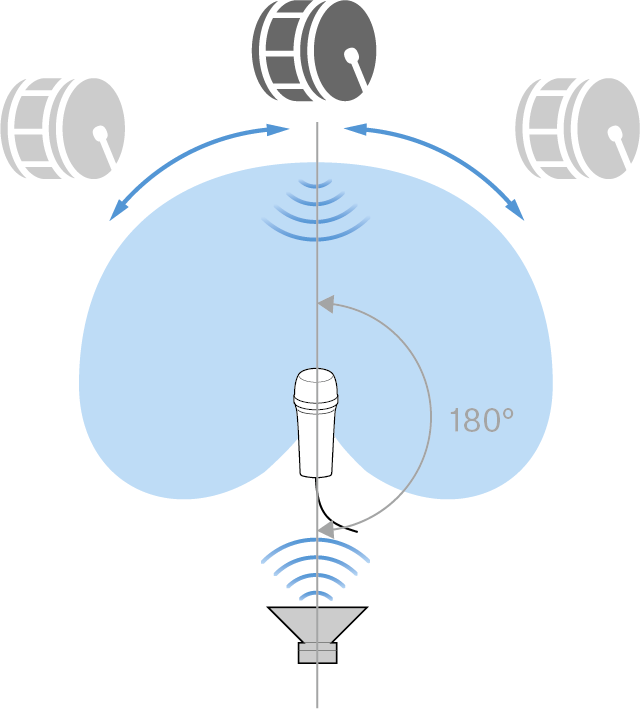
To prevent feedback and crosstalk, postion your monitor loudspeakers in the angle area of the highest cancellation of the microphone (approx. 180°).
Switching the microphone on/off
-
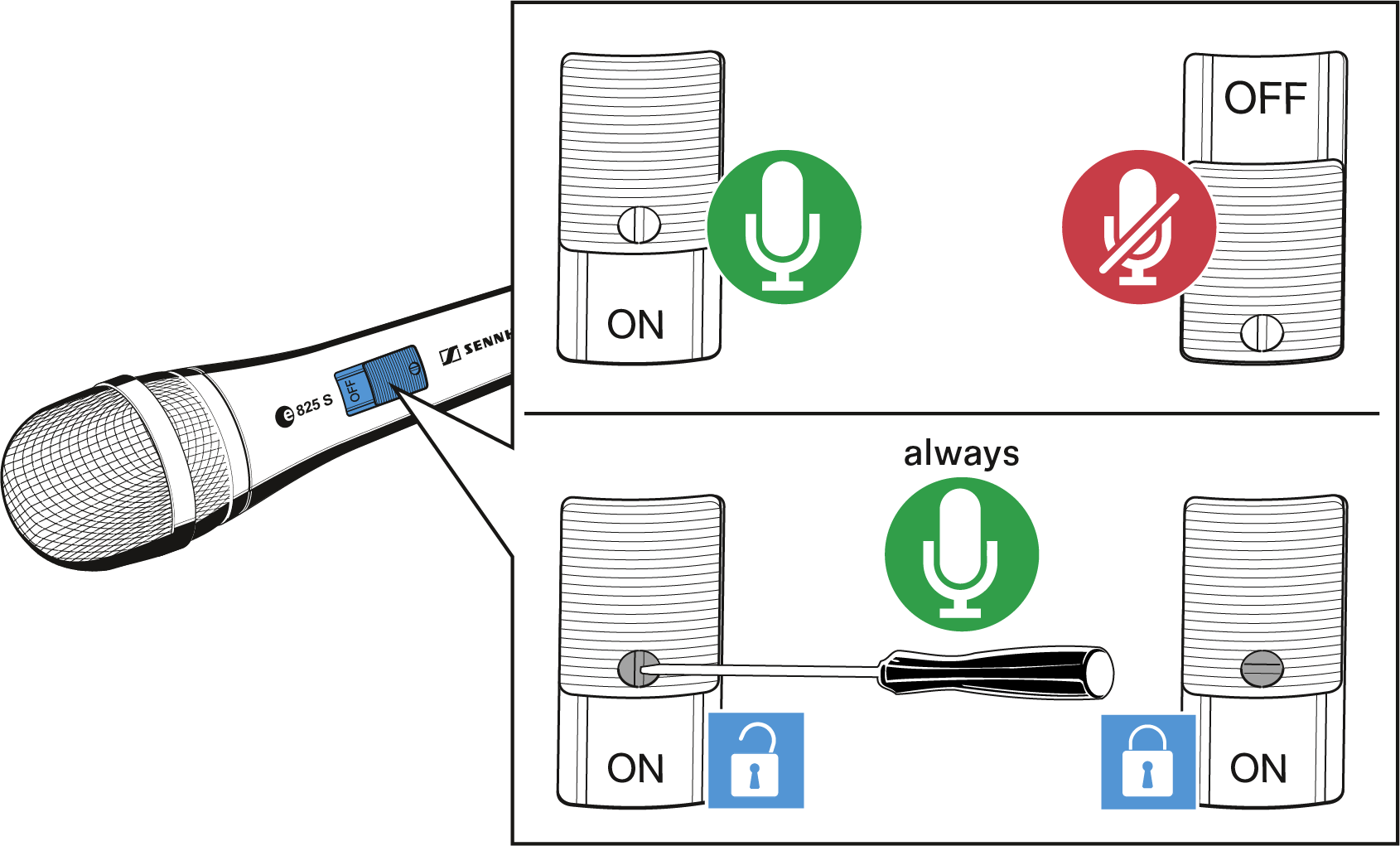
If necessary, use the screw to lock the ON/OFF switch in the „on“ position.